
XCIPTV is a popular IPTV player for Android, Android TV, and Firestick with a clean interface, EPG support, and smooth streaming, but it doesn’t include channels—so you need an M3U playlist to watch live TV, movies, and series.
An M3U playlist is a file or link that groups IPTV channels, movies, and series, allowing your IPTV player to load and stream content instantly. It’s the most commonly supported format across IPTV apps and devices. For more, visit: What Is M3U
M3U is simple, widely compatible, and fast, making it easy to load and manage live TV and VOD content.
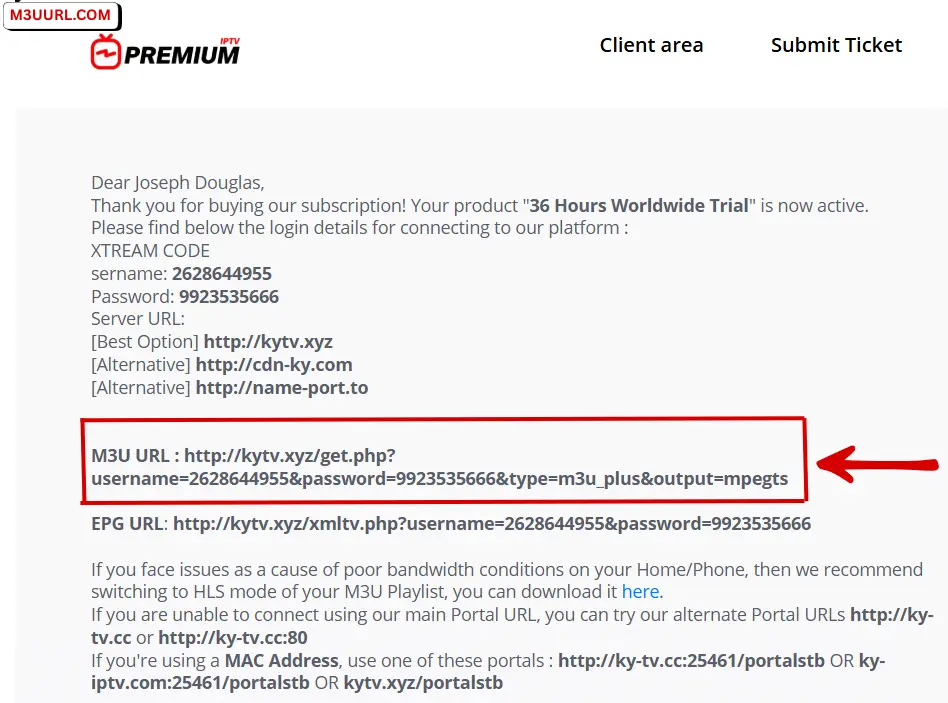
There are only a few secure and reliable ways to get an M3U playlist, and the best choice is obtaining it from a trusted IPTV provider that delivers stable service with full access details.
You can get an M3U playlist within seconds and find trusted IPTV providers that offer a free M3U trial, often delivered automatically in just a few minutes.
This section explains how to add an M3U playlist to XCIPTV player step by step on any supported device.
1. Get your M3U playlist first: (Free guide)
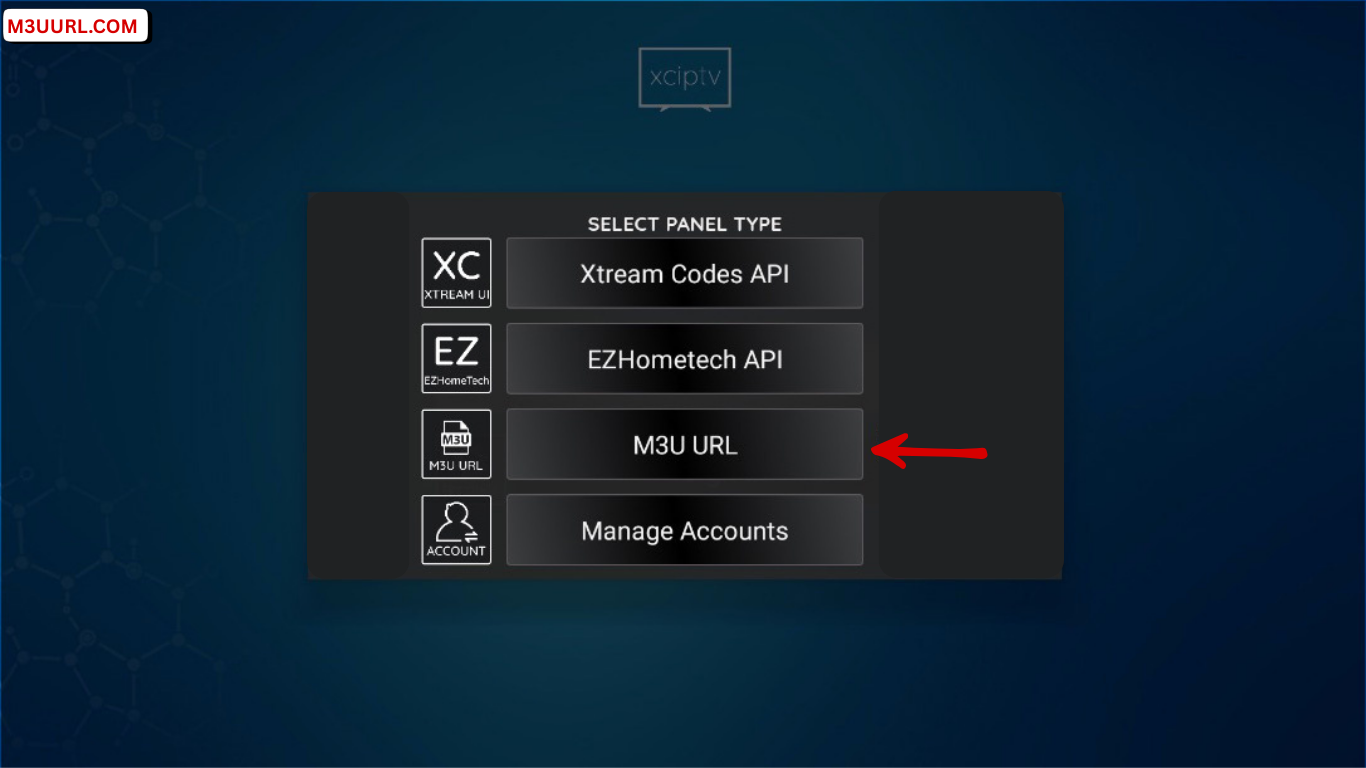
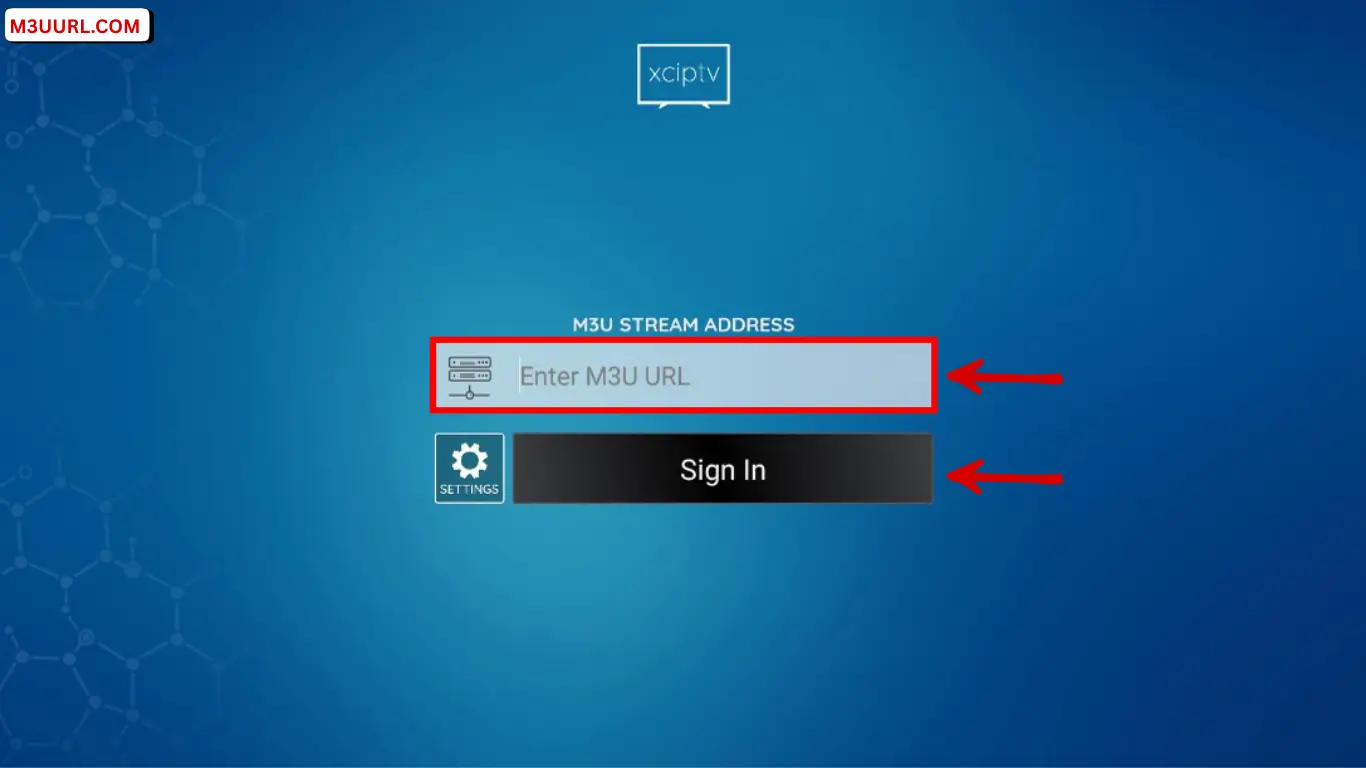
2. Launch the XCIPTV app, then choose Login with M3U.
3. Paste your M3U URL in the field, then click Sign In to load channels and start streaming.
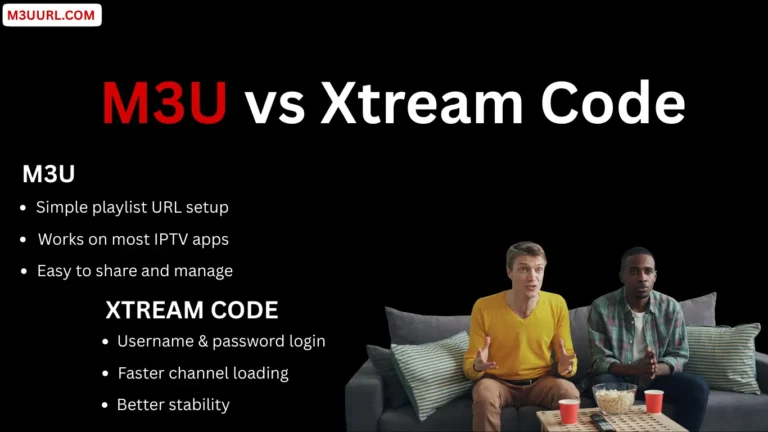
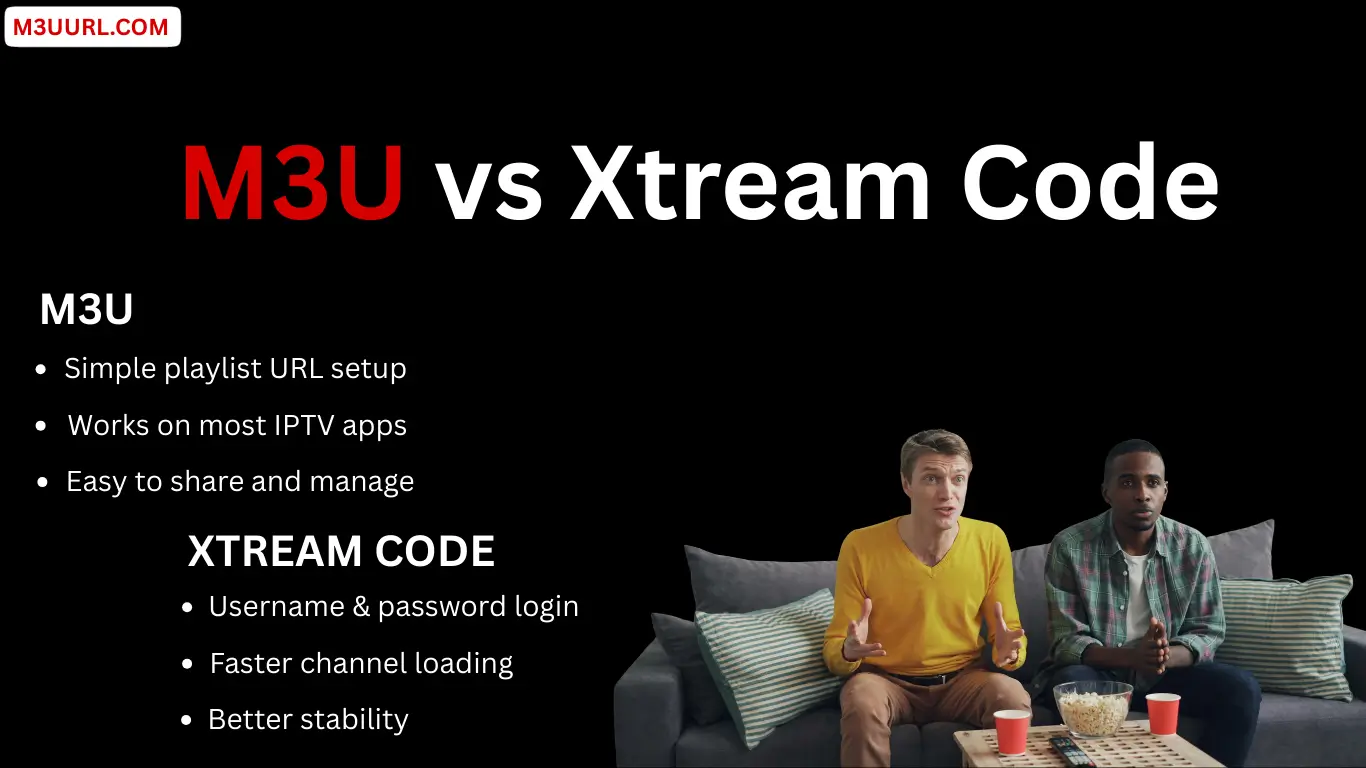
M3U and Xtream Codes are the two main login methods supported by XCIPTV. Both allow you to load live TV channels, VOD, and EPG, with the choice depending on your IPTV provider and personal preference.
Both M3U and Xtream Codes work perfectly in XCIPTV, so choose the option recommended by your IPTV provider or the one you find easiest to use.
Choosing the right IPTV player can make your M3U playlist faster, smoother, and easier to use. If you’re looking for options beyond XCIPTV, here are some of the best IPTV players that support both M3U and Xtream Codes across multiple devices.
One of the best IPTV players for Android TV and Firestick, offering a premium layout and fast performance. for more info, visit: Tivimate
A popular multi-device IPTV app that supports M3U and Xtream Codes with an easy setup process. for more info, visit: IPTV Smarters Pro
A powerful Smart TV IPTV player with smooth design and reliable M3U playlist support. for more info, visit: IBO Player
A simple and lightweight IPTV app that loads M3U links quickly and supports multiple devices. for more info, visit: Xtream Player
A great IPTV app for Samsung and LG Smart TVs, offering easy activation and M3U compatibility. for more info, visit: SmartOne
A universal media player that supports M3U playback on Windows, Mac, Linux, Android, and more. for more info, visit: VLC
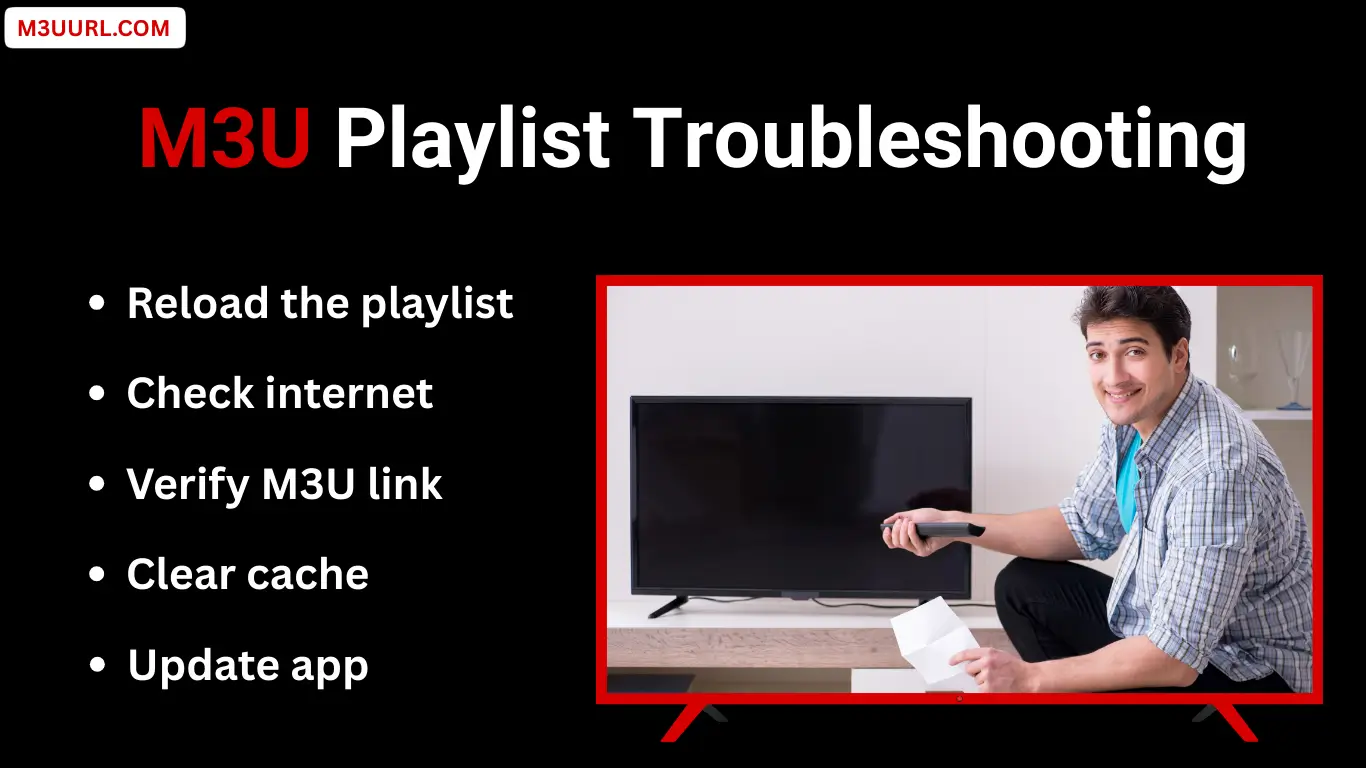
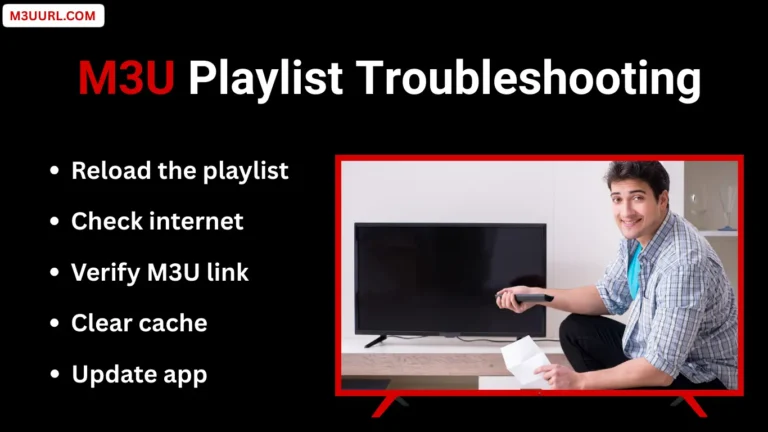
This troubleshooting section covers the most common M3U problems users face in XCIPTV and explains simple, effective steps to identify and fix them quickly.
If your M3U fails to load, double-check the playlist URL for errors, confirm your subscription is active, and restart both the app and your device.
When channels don’t appear, reload the playlist, update XCIPTV to the latest version, or contact your IPTV provider to refresh your line.
Buffering usually comes from slow or unstable internet—use a stable connection (15–20 Mbps), prefer Ethernet over Wi-Fi, and restart your router if needed.
XCIPTV is a powerful IPTV player that requires a valid M3U playlist to stream content. With a reliable IPTV provider and the right setup, you can quickly activate M3U on XCIPTV and enjoy smooth live TV, movies, and series.
Yes, XCIPTV itself is legal because it is just a media player. The legality depends on the IPTV content you load through your M3U or Xtream Codes and the laws in your country.
No. XCIPTV is only an IPTV player and does not provide channels by default. To watch live TV, movies, and series, you must add an active M3U playlist from an IPTV provider.
Yes, free M3U playlists can work on XCIPTV, but they are usually unstable, may buffer frequently, and often stop working after a short time. For consistent streaming, a paid or trial playlist from a trusted provider is recommended.
Both options work very well. M3U is simpler to set up using a single link, while Xtream Codes uses login details (URL, username, password) and may feel more stable for some users.
The most common causes are an expired IPTV subscription, a wrong or incomplete M3U URL, server downtime, or an unstable internet connection.
A VPN is not required, but it can help if you experience buffering, ISP throttling, or regional restrictions while streaming IPTV content.