

M3U

Best M3U for VLC Media Player

Get & Activate M3U on VLC Media Player?

VLC Media Player is one of the most popular and free multimedia players in the world. It supports almost all video formats and is widely used to stream IPTV using M3U playlists. In this complete guide, you’ll learn how to add an M3U playlist to VLC on Windows, macOS, Android, and iOS, plus troubleshooting tips and best practices.

Get Free M3U for VLC Media Player

What Is an M3U?

An M3U playlist is a file or link that arranges IPTV channels, movies, and series, allowing your IPTV player to load and stream content instantly. It is the most widely supported format across IPTV apps and devices. For more details, visit: What Is M3U

Why Is an M3U Playlist Required?

An M3U playlist simplifies IPTV by enabling any compatible player or device to load channels instantly while keeping all content neatly organized.

What Is an M3U

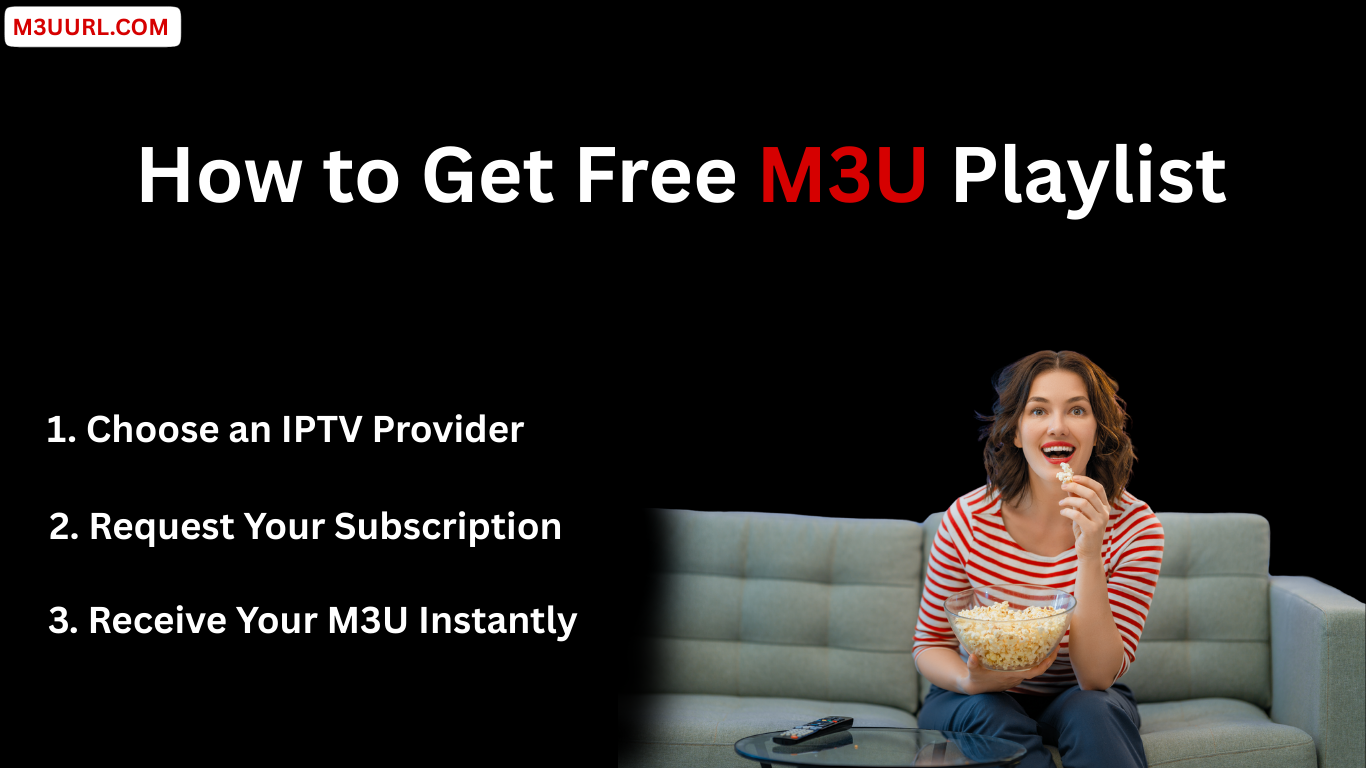
How to Get Free M3U for VLC Media Player

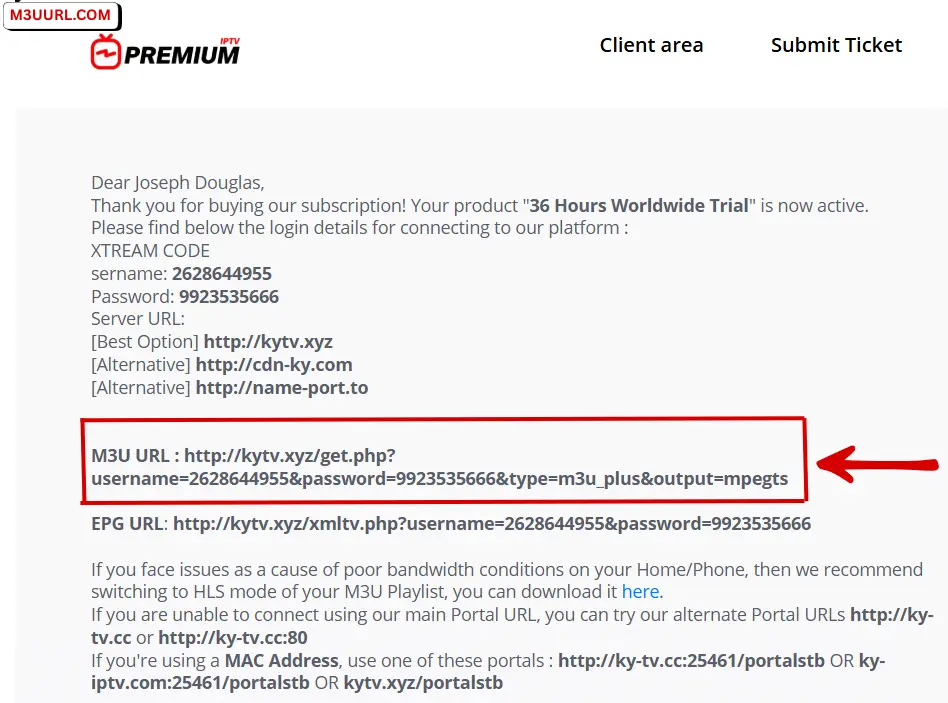
There are only a few safe and reliable ways to obtain an M3U playlist. The best option is to get it from a trusted IPTV provider that offers stable service and complete access details.

Get M3U in One Second

You can receive an M3U playlist in seconds and discover reliable IPTV providers that offer a free M3U trial, usually delivered automatically within minutes.

How to Get Free M3U Playlist

M3U Playlist Setup in VLC

This section shows you how to add an M3U playlist to VLC Media Player step by step on any supported device.

What You Need Before Activating

How to Add M3U to VLC (Step-by-Step)

1. Get your M3U playlist first: (Free guide)

Get M3U playlist link for IBO Player IPTV setup

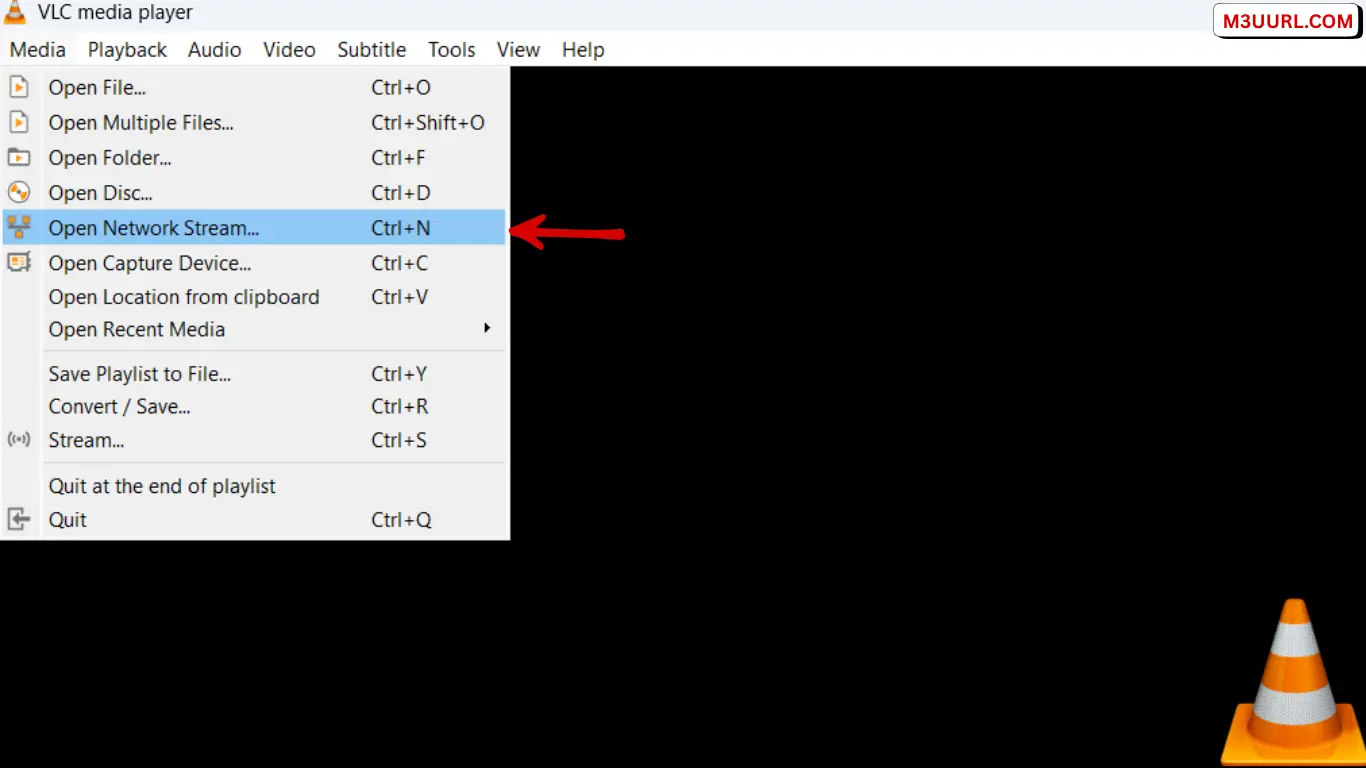
2. Open VLC Media Player → click Media → select Open Network Stream…

Open Network Stream option in VLC Media Player to add an M3U playlist

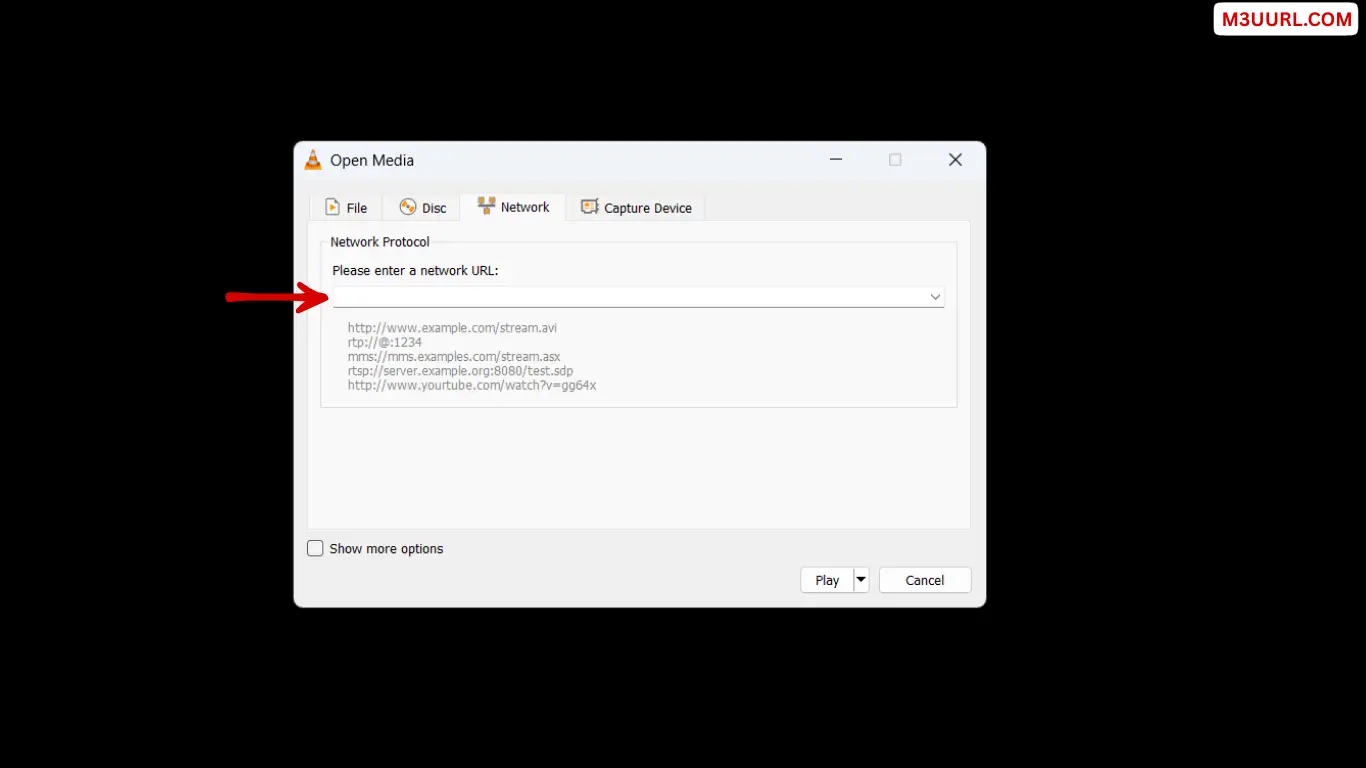
3. Paste M3U playlist URL.

Paste M3U playlist URL in VLC Open Network Stream window

4. Start Watching Live IPTV Using VLC.

start watching

Alternative IPTV Players to VLC

The right IPTV player can make your M3U playlist faster, smoother, and easier to use. Here are the best IPTV players that support M3U and Xtream Codes on all devices.

1. TiviMate

One of the best IPTV players for Android TV and Firestick, offering a premium layout and fast performance. for more info, visit: Tivimate

2. IPTV Smarters Pro

A popular multi-device IPTV app that supports M3U and Xtream Codes with an easy setup process. for more info, visit: IPTV Smarters Pro

3. XCIPTV Player

A fast and modern IPTV player that works with both M3U and Xtream Codes on Android and Firestick. for more info, visit: XCIPTV

4. Xtream Player

A simple and lightweight IPTV app that loads M3U links quickly and supports multiple devices. for more info, visit: Xtream Player

5. SmartOne IPTV

A great IPTV app for Samsung and LG Smart TVs, offering easy activation and M3U compatibility. for more info, visit: SmartOne

6. IBO Player

A powerful Smart TV IPTV player with smooth design and reliable M3U playlist support. for more info, visit: IBO Player

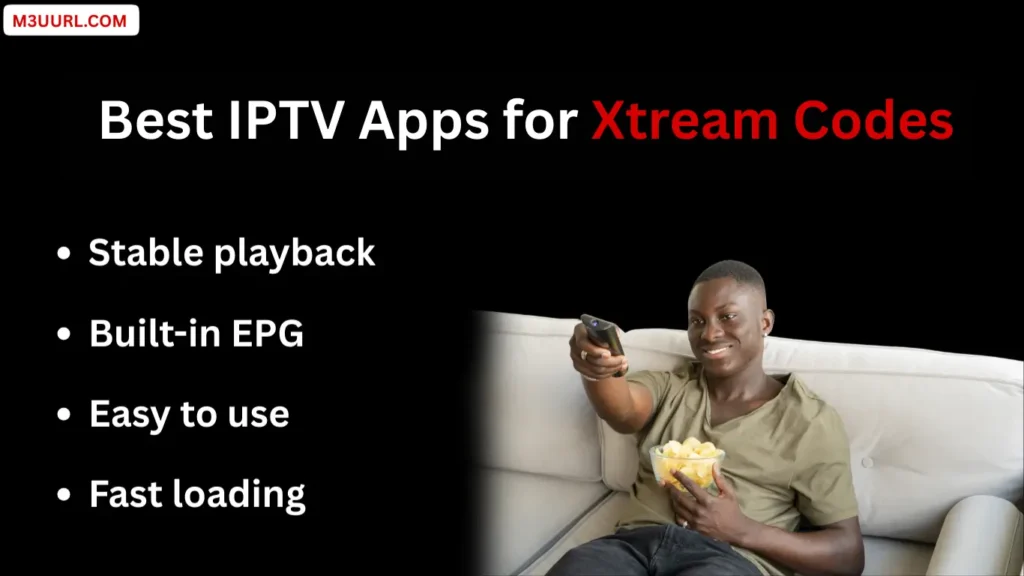
Which IPTV Apps Support Xtream Codes

VLC Media Player M3U Troubleshooting

This troubleshooting guide covers the most common issues users face when playing M3U playlists in VLC Media Player and provides simple, effective solutions to fix playback errors, missing channels, and streaming problems.

M3U Playlist Not Working in VLC

If your M3U playlist fails to load, double-check the URL for mistakes, confirm your IPTV subscription is active, and make sure VLC Media Player is updated to the latest version.

Channels Not Showing After Adding M3U

When channels do not appear, open the playlist panel, reload the stream, or restart VLC to refresh and properly load the channel list.

Buffering or Freezing While Streaming

Buffering issues are usually caused by slow internet connections, server overload, or low network caching settingsadjust VLC’s network cache to improve streaming stability.

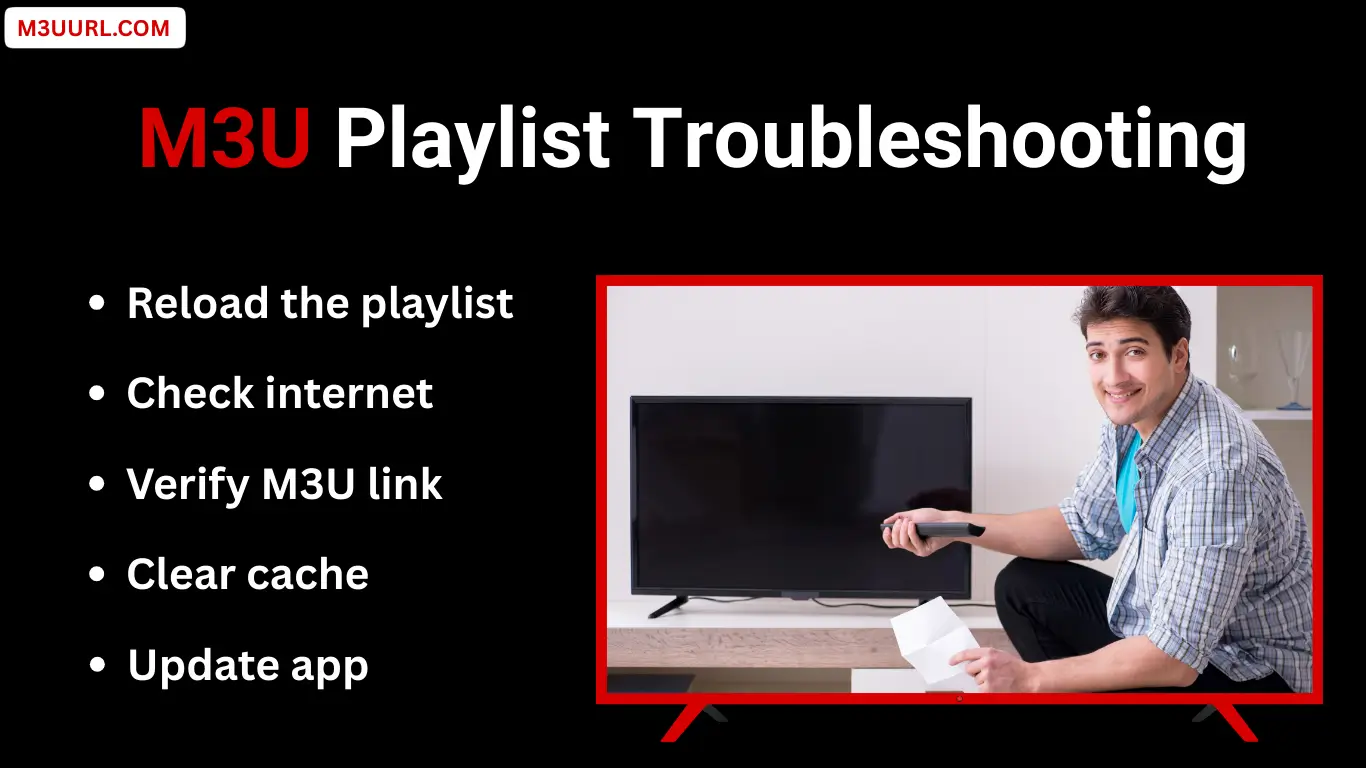
M3U Playlist Troubleshooting

Conclusion

If you want a quick, free, and reliable way to play an M3U playlist, VLC Media Player is an excellent choice. It works across all devices and is perfect for testing IPTV links before using advanced players.

FAQs

Frequently Asked Questions

VLC Media Player is completely legal to use. However, the legality of M3U playlists depends on whether the IPTV content is licensed by the provider. Always use legal and authorized IPTV services.

This usually happens due to an expired subscription, an incorrect M3U link, or temporary server issues. Double-check the URL and restart VLC.

After loading the M3U, open the playlist panel by pressing Ctrl + L on Windows or Cmd + L on Mac to view all available channels.

VLC has very limited EPG support and does not show a full TV guide like dedicated IPTV apps.

Buffering is often caused by slow internet, Wi-Fi instability, or IPTV server overload. Increasing network caching in VLC can help.

Yes, but only if your IPTV provider allows multiple connections. Using more devices than permitted may cause interruptions.

Share the Post:

Related Posts

M3U Troubleshooting: Fix IPTV Playlist Errors Step by Step

If your M3U playlist won’t load, channels won’t play, or buffering won’t stop, this step-by-step troubleshooting guide will help you identify the exact problem and fix it fast on any device...
Get Free M3U for VLC Media Player 2026

Get a free M3U playlist for VLC Media Player and learn how to add it step by step to watch live TV, movies, and channels easily...
Get Free M3U for Xtream Player – Full Setup Guide

Get a free M3U for Xtream Player with a complete setup guide, including easy steps, EPG support, and tips for smooth IPTV streaming...
Get Free M3U for SmartOne App – Complete Setup

Get a free M3U for the SmartOne app and learn how to add and activate it step by step. Watch live TV, movies, and series smoothly on SmartOne Player...
Get & Activate Free M3U in XCIPTV App (Step-by-Step Guide)

Learn how to get and activate a free M3U playlist in the XCIPTV app. Follow this simple step-by-step guide to stream live TV, movies, and series easily...
Get Free M3U Playlist for IBO Player (Full Guide)

Get a free M3U playlist for IBO Player. Learn how to activate M3U, fix common issues, and enjoy smooth IPTV streaming with this full guide...
Get Free M3U Playlist for IPTV Smarters Pro (Instant Delivery)

Get a free M3U for IPTV Smarters Pro and learn how to activate it easily. Step-by-step guide to watch live TV, movies, and series on any device...
Get & Add Free M3U Playlist on TiviMate (December 2025)

Learn how to get Free M3U playlist and add it to TiviMate step by step. Easy setup, tips, troubleshooting, and best IPTV practices...
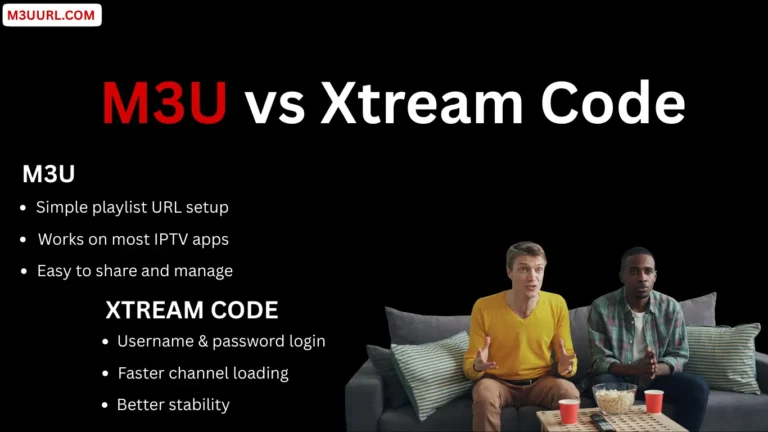
Get Free IPTV Xtream Code & M3U – Best IPTV 2025

Get free Xtream Code and M3U playlist instantly from trusted IPTV providers. Enjoy 24–36 hour free trials and test IPTV quality before subscribing in 2025...