


M3U playlists are a popular way to stream IPTV on apps like VLC, IPTV Smarters, TiviMate, and Smart TVs, and this troubleshooting guide explains the common reasons they fail (not loading, buffering, playback errors) and how to fix them step by step on any device.
An M3U playlist is a text file or URL that contains streaming links for live TV, VOD, and series. Your IPTV app reads this file to load channels. What Is M3U
There are only a few safe and reliable ways to obtain an M3U playlist. The best option is to get it from a trusted IPTV provider that offers stable service and complete access details.
You can receive an M3U playlist in seconds and discover reliable IPTV providers that offer a free M3U trial, usually delivered automatically within minutes.
If your IPTV app shows “playlist failed to load” or stays stuck on loading, the issue is usually related to the M3U link, app cache, or compatibility problems.
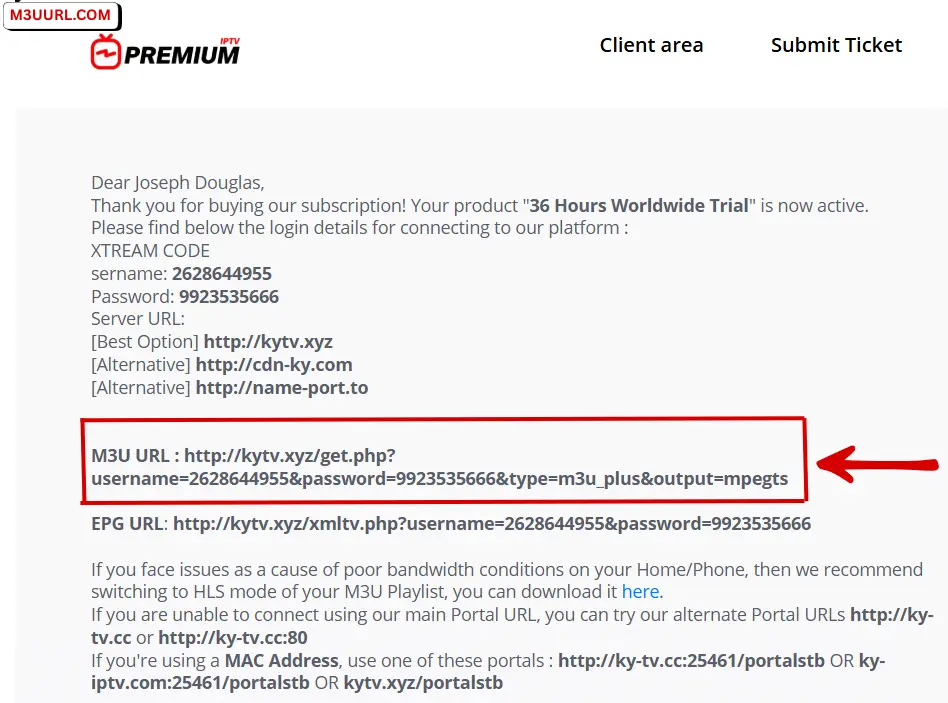
Incorrect or broken M3U links are the most common cause of loading errors, often due to extra spaces, wrong format, or expired URLs.
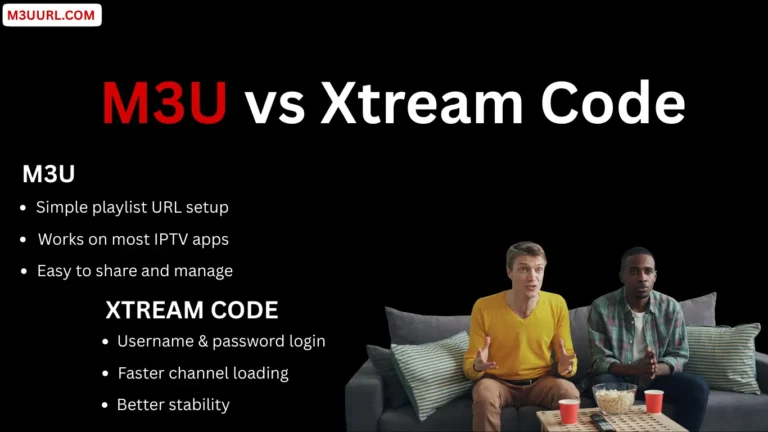
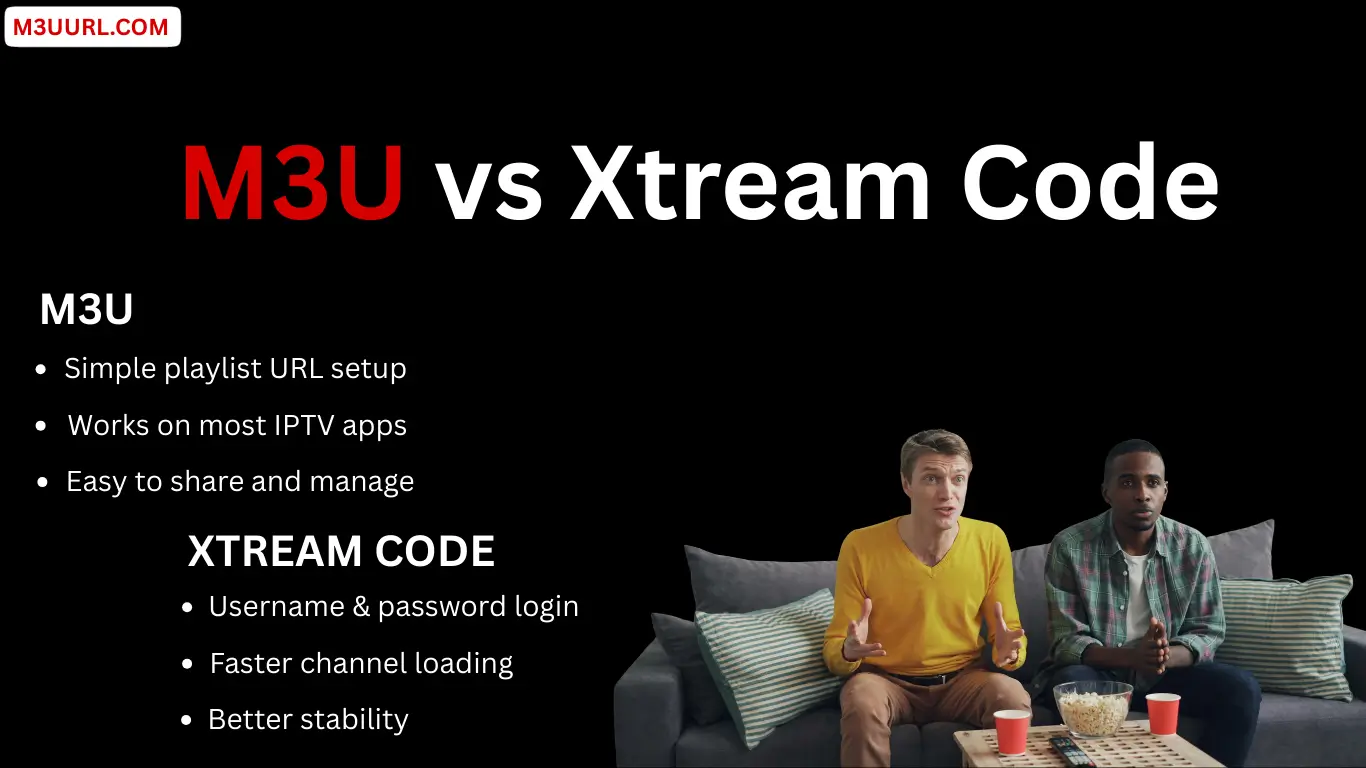
Choosing the right IPTV player can make your M3U playlist faster, smoother, and easier to use. Below are the best IPTV players that support both M3U and Xtream Codes across multiple devices.
One of the best IPTV players for Android TV and Firestick, offering a premium layout and fast performance. for more info, visit: Tivimate
A popular multi-device IPTV app that supports M3U and Xtream Codes with an easy setup process. for more info, visit: IPTV Smarters Pro
A fast and modern IPTV player that works with both M3U and Xtream Codes on Android and Firestick. for more info, visit: XCIPTV
A simple and lightweight IPTV app that loads M3U links quickly and supports multiple devices. for more info, visit: Xtream Player
A great IPTV app for Samsung and LG Smart TVs, offering easy activation and M3U compatibility. for more info, visit: SmartOne
A feature-rich Smart TV IPTV player offering a clean interface and stable M3U playlist support. For more details, visit: IBO Player
A universal media player that supports M3U playback on Windows, Mac, Linux, Android, and more. for more info, visit: VLC
M3U playlists are reliable and easy to use when properly configured. Most issues can be fixed by checking the M3U link, improving network stability, or updating app settings. With the right IPTV player and a valid playlist, you can enjoy smooth streaming on any device.
This usually happens due to an expired M3U link, incorrect URL format, server downtime, or app compatibility issues.
It depends on your IPTV provider. Many services limit the number of simultaneous connections, and using the same M3U on multiple devices may cause it to stop working.
Individual channels may be temporarily offline or under maintenance. If most channels work, the issue is not with your M3U playlist.
Ensure you have a stable internet connection, reduce network load, and use a wired Ethernet connection if possible.
These errors usually indicate that your M3U link has expired, been blocked, or your IP address has changed.
Legality depends on the content source and your local laws. Always use licensed and authorized IPTV services.