Get & Activate M3U on SmartOne?
SmartOne Player is a popular IPTV player for Smart TVs and Android devices. It doesn’t include channels by default, so you need to add an M3U playlist from your IPTV provider to watch live TV, movies, and series. This short guide explains how to add M3U on SmartOne Player, avoid common mistakes, and enjoy smooth streaming.
What Is an M3U?
An M3U playlist is a URL or file that contains IPTV channels, movies, and series, allowing your IPTV player to load and play content instantly. It’s the most widely supported format across IPTV apps and devices. For more details, visit: What Is M3U
Why Is an M3U Playlist Required?
An M3U playlist simplifies IPTV by enabling any compatible player or device to load channels instantly while keeping all content neatly organized.
How to Get Free M3U for SmartOne
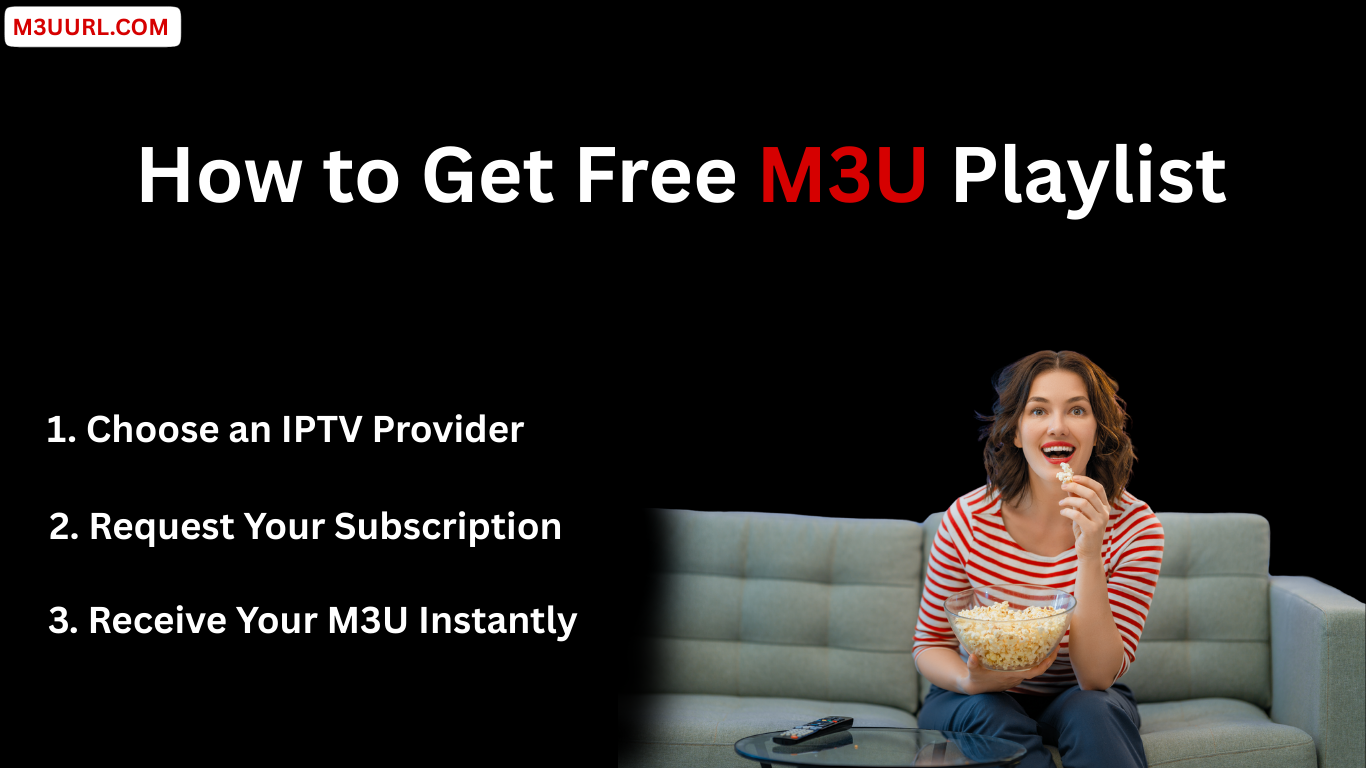
There are only a few safe and reliable ways to obtain an M3U playlist. The best option is to get it from a trusted IPTV provider that offers stable service and complete access details.
Get M3U in One Second
You can receive an M3U playlist in seconds and discover reliable IPTV providers that offer a free M3U trial, usually delivered automatically within minutes.
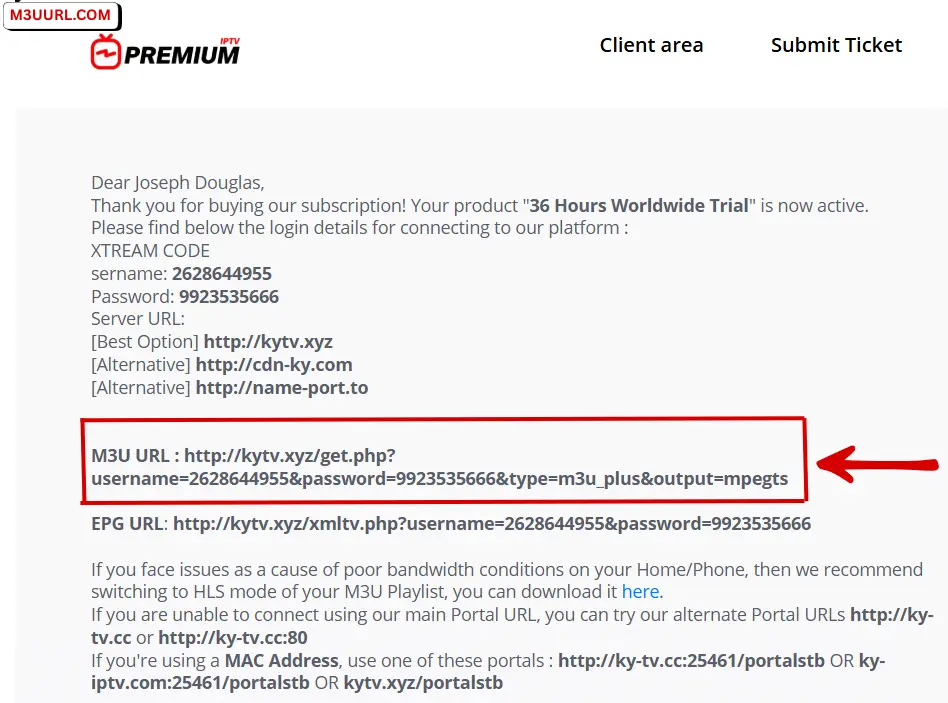
What IPTV Provider Will Give You
M3U Playlist Setup in SmartOne
This section explains how to add an M3U playlist to SmartOne step by step on any supported device. If you haven’t installed the app yet, check the installation guide here: SmartOne Installation Guide.
What You Need Before Activating
How to Add M3U to SmartOne (Step-by-Step)
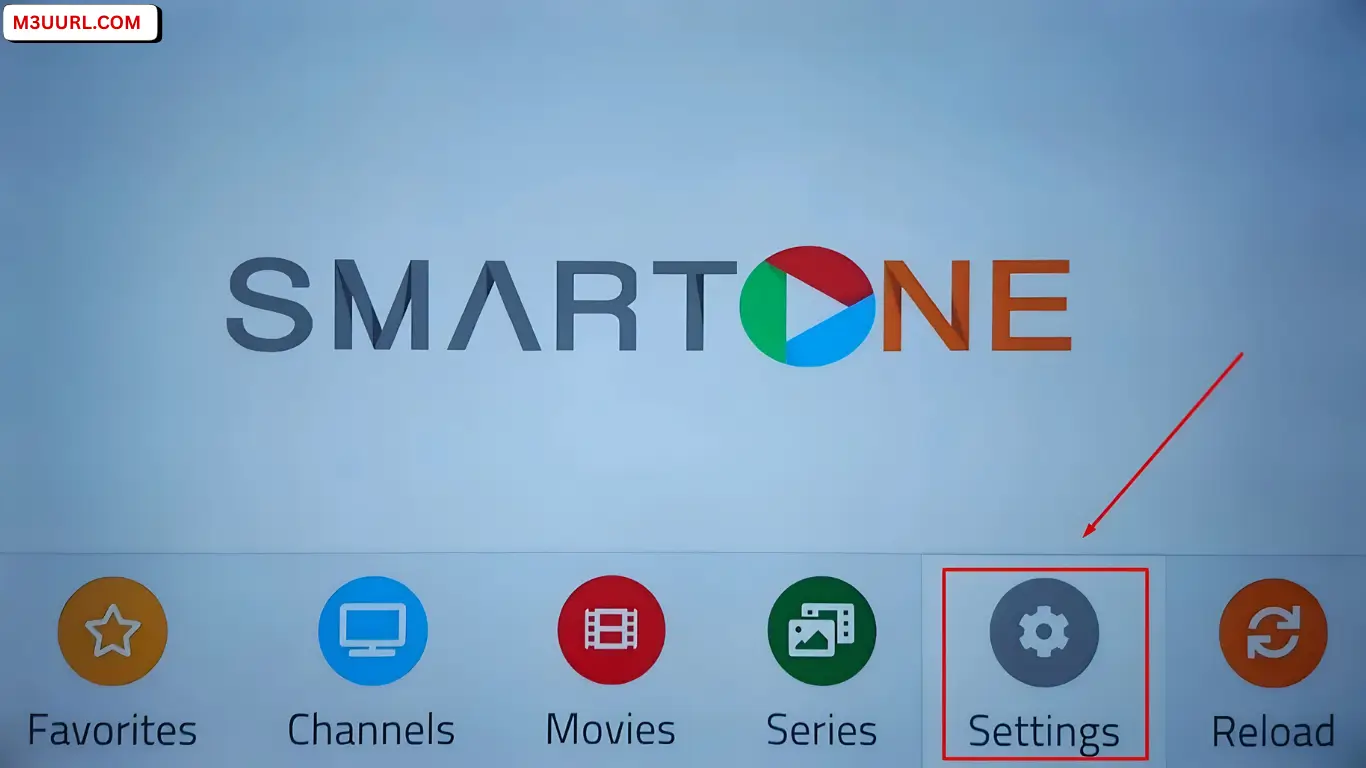
2. Open the SMARTONE app on your TV and press Settings from the main screen.
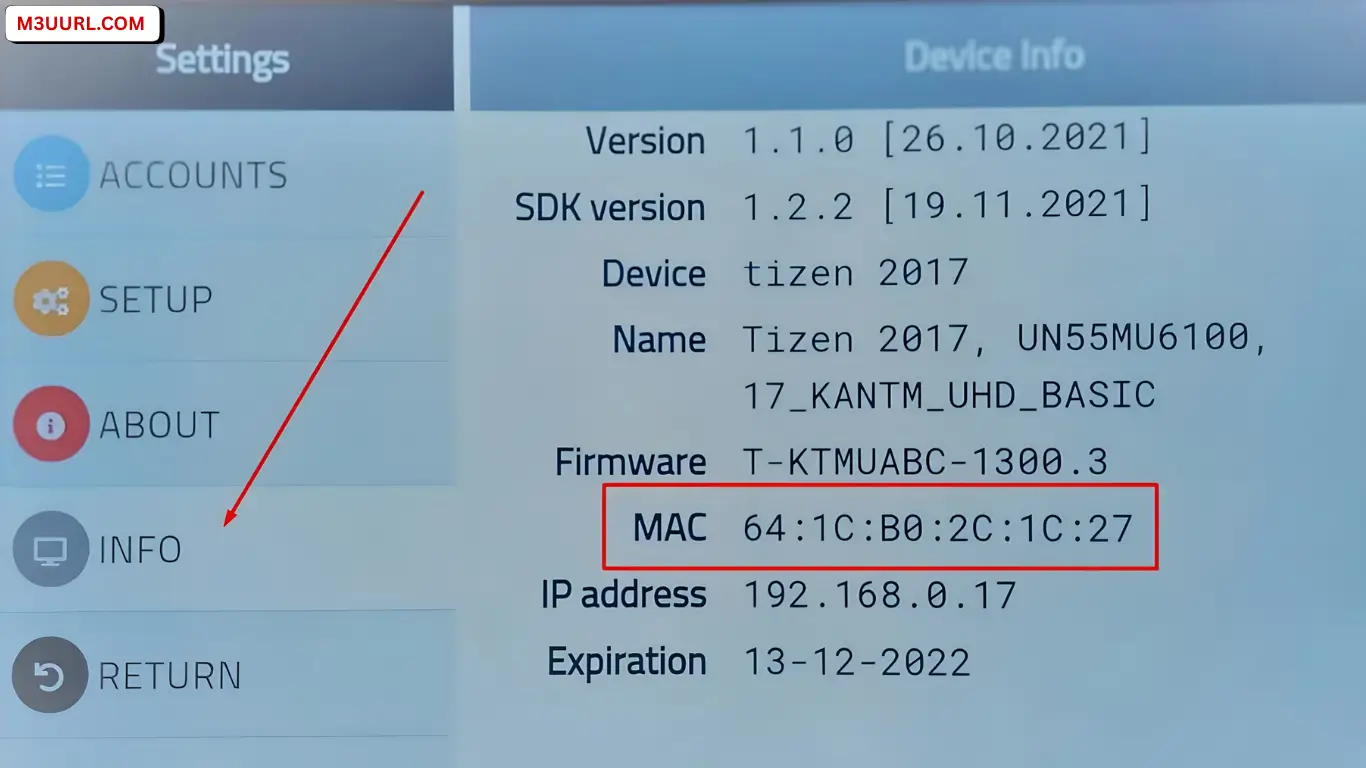
3. Inside Settings, press Info and copy the MAC Address displayed on the screen.
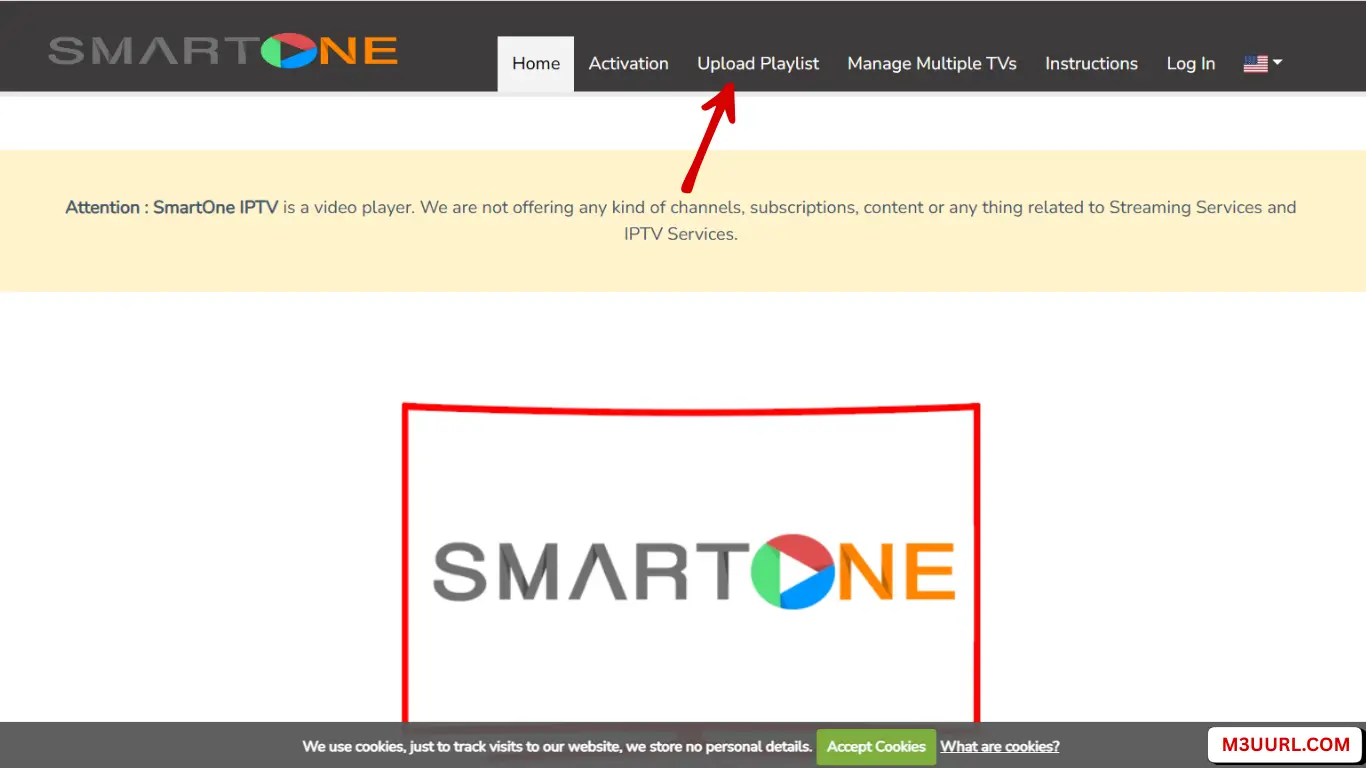
4. On your phone or computer, open smartone-iptv.com and click Upload Playlist from the menu.
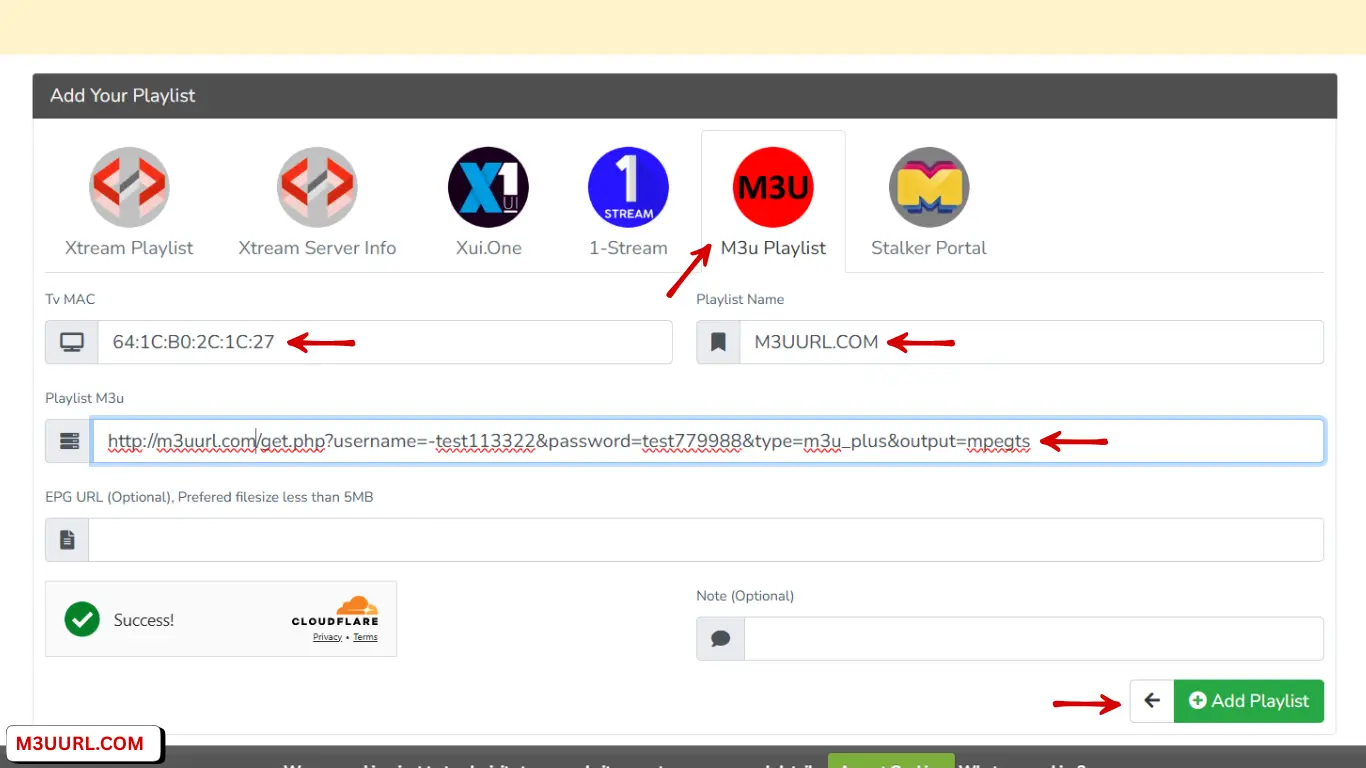
5. Select M3U Playlist, enter your MAC Address, add your Playlist Name, paste your M3U URL, then click Add Playlist.
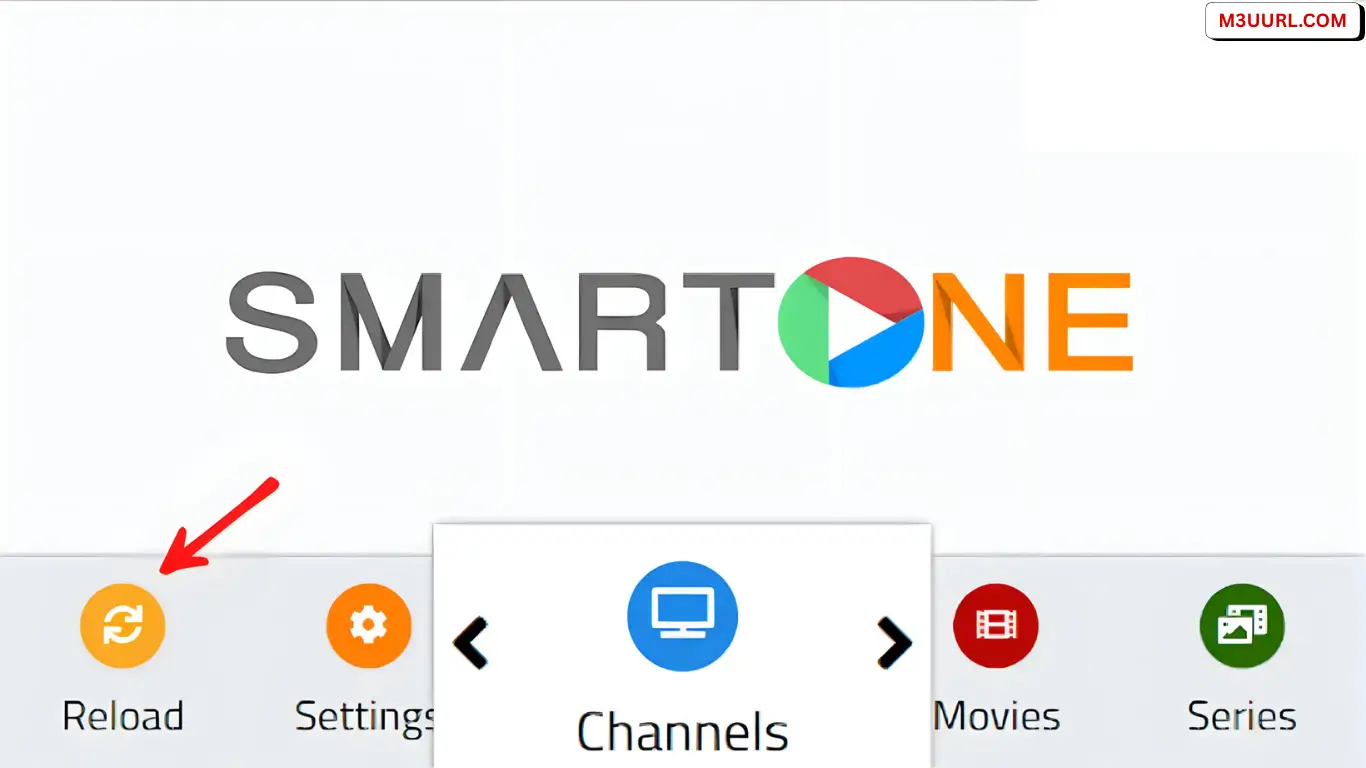
6. Go back to the SMARTONE app on your TV and press Reload to load channels.
Congratulations! Your playlist was added successfully—reload the SmartOne app, restart your internet/router, then open the app and start watching.
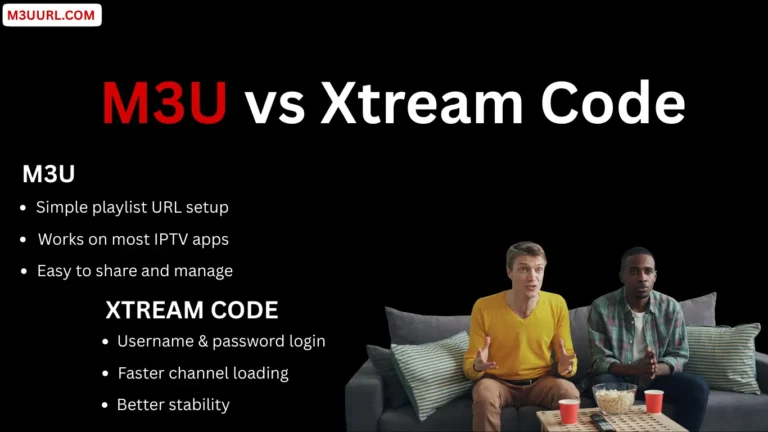
M3U vs Xtream Codes in SmartOne
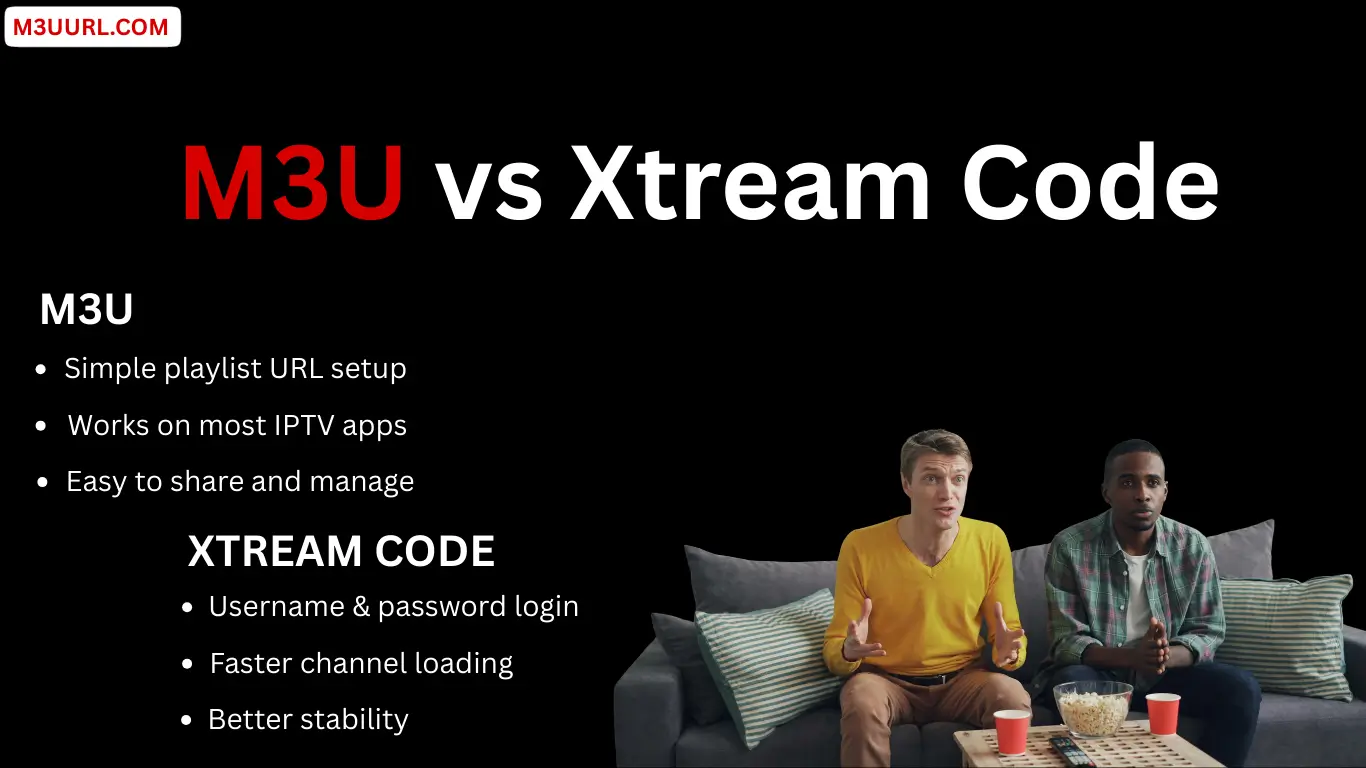
M3U and Xtream code are the two main login methods supported by SmartOne, each offering a different way to load live TV channels, VOD, and EPG depending on your IPTV provider and personal preference.
M3U Playlist
Xtream Codes
Which One to Choose in SmartOne?
Both M3U and Xtream Codes work well in SmartOne, so you can choose the method that best matches your IPTV provider and viewing needs.
Alternative IPTV Players to SmartOne
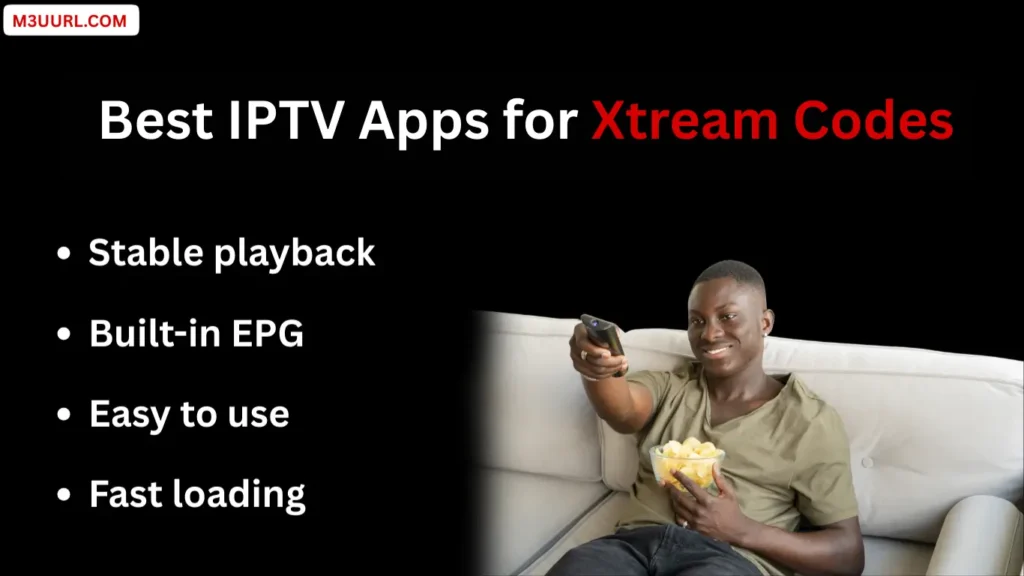
The right IPTV player can make your M3U playlist faster, smoother, and easier to use. Here are the best IPTV players that support M3U and Xtream Codes on all devices.
1. TiviMate
One of the best IPTV players for Android TV and Firestick, offering a premium layout and fast performance. for more info, visit: Tivimate
2. IPTV Smarters Pro
A popular multi-device IPTV app that supports M3U and Xtream Codes with an easy setup process. for more info, visit: IPTV Smarters Pro
3. XCIPTV Player
A fast and modern IPTV player that works with both M3U and Xtream Codes on Android and Firestick. for more info, visit: XCIPTV
4. Xtream Player
A simple and lightweight IPTV app that loads M3U links quickly and supports multiple devices. for more info, visit: Xtream Player
5. IBO Player
A powerful Smart TV IPTV player with smooth design and reliable M3U playlist support. for more info, visit: IBO Player
6. VLC Media Player
A universal media player that supports M3U playback on Windows, Mac, Linux, Android, and more. for more info, visit: VLC
M3U Troubleshooting in SmartOne Player
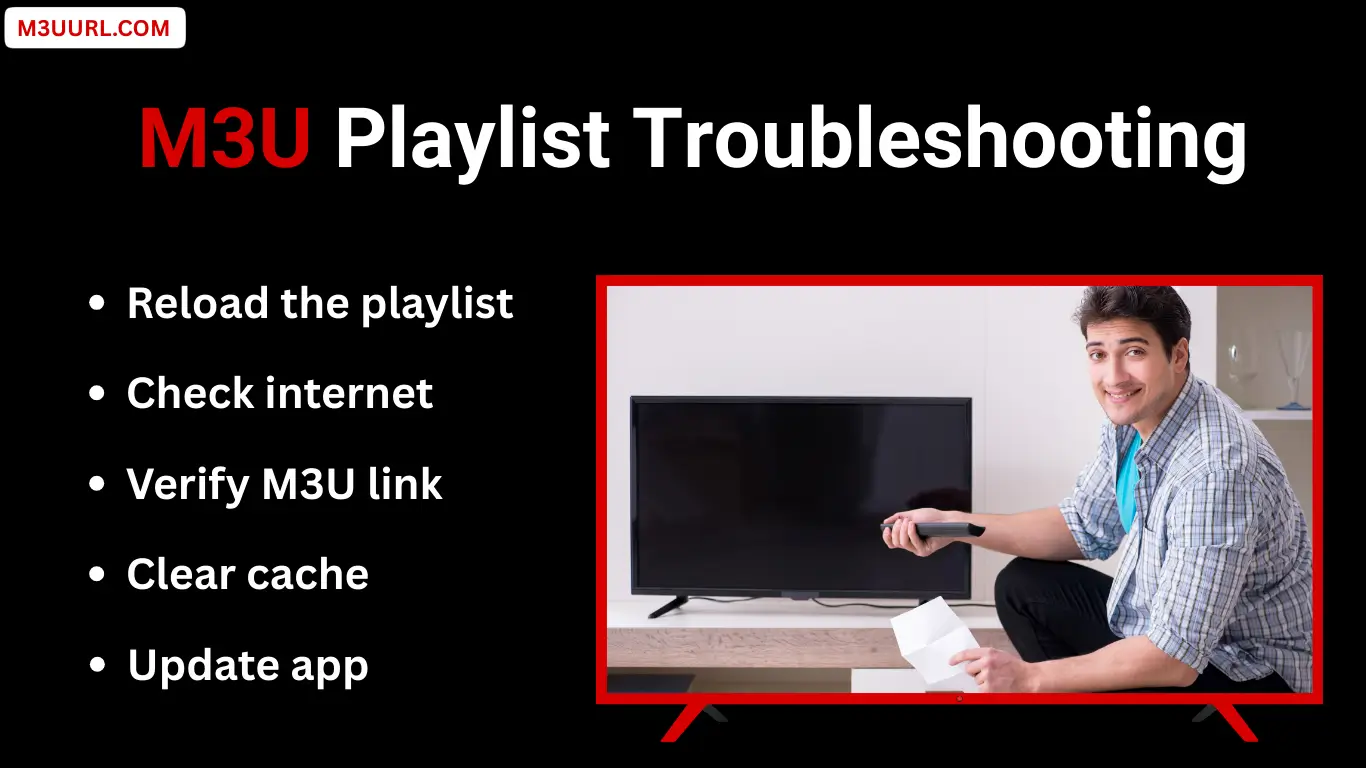
This troubleshooting section highlights the most common M3U issues users encounter in SmartOne Player and provides simple, effective steps to quickly identify and fix them.
M3U Playlist Not Working in SmartOne Player
If your M3U playlist doesn’t load, carefully check the playlist URL for any mistakes, make sure your IPTV subscription is still active, and restart both SmartOne Player and your device.
Channels Not Showing After Adding M3U
If channels don’t appear after adding the M3U, reload or refresh the playlist from the SmartOne Player portal, restart the app on your TV, or contact your IPTV provider to refresh or re-enable your line.
Buffering or Freezing While Streaming
Buffering or freezing is usually caused by a slow or unstable internet connection. Use a stable connection with at least 15–20 Mbps, choose a wired Ethernet connection when possible, and restart your router to improve performance.
Conclusion
Adding an M3U playlist on SmartOne Player is simple when you follow the correct steps. Once configured, you’ll enjoy live TV, movies, and series with a smooth and organized experience. Always use a stable IPTV service and keep your playlist updated for the best performance.
FAQs
Frequently Asked Questions
Related Posts