M3U

Best M3U For IPTV Smarters Pro

Get & Activate M3U on IPTV Smarters Pro

IPTV Smarters Pro is a popular IPTV player for Android, Firestick, Smart TVs, Windows, and iOS, but it doesn’t include channels—so you’ll need to add an M3U playlist from your IPTV provider to watch live TV, movies, and series. In this guide, you’ll learn how to get an M3U link and add it to IPTV Smarters Pro step by step on any device.

Get & Activate M3U on IPTV Smarters Pro

What Is an M3U?

An M3U playlist is a URL file that contains IPTV channels, VOD (movies), and TV series. When added to an IPTV app like IPTV Smarters Pro, it loads all available content automatically. What Is M3U

M3U Playlist Usually Includes

What Is an M3U

How to Get Free IPTV M3U Playlist

There are only a few safe and reliable ways to get an M3U playlist. The best method is to obtain it from a verified IPTV provider that offers stable service and full login details.

Get M3U URL in One Second

Here you can get an M3U playlist and find the best IPTV providers, with a free M3U trial delivered automatically within minutes.

What the Provider Will Provide

How to Get Free M3U Playlist

M3U Playlist Setup in Smarters Pro

This section shows you how to add an M3U playlist to IPTV Smarters Pro step by step on any device. If you haven’t installed the app yet, visit the installation guide here: Smarters Pro Installation Guide

How to Add M3U to Smarters Pro (Step-by-Step)

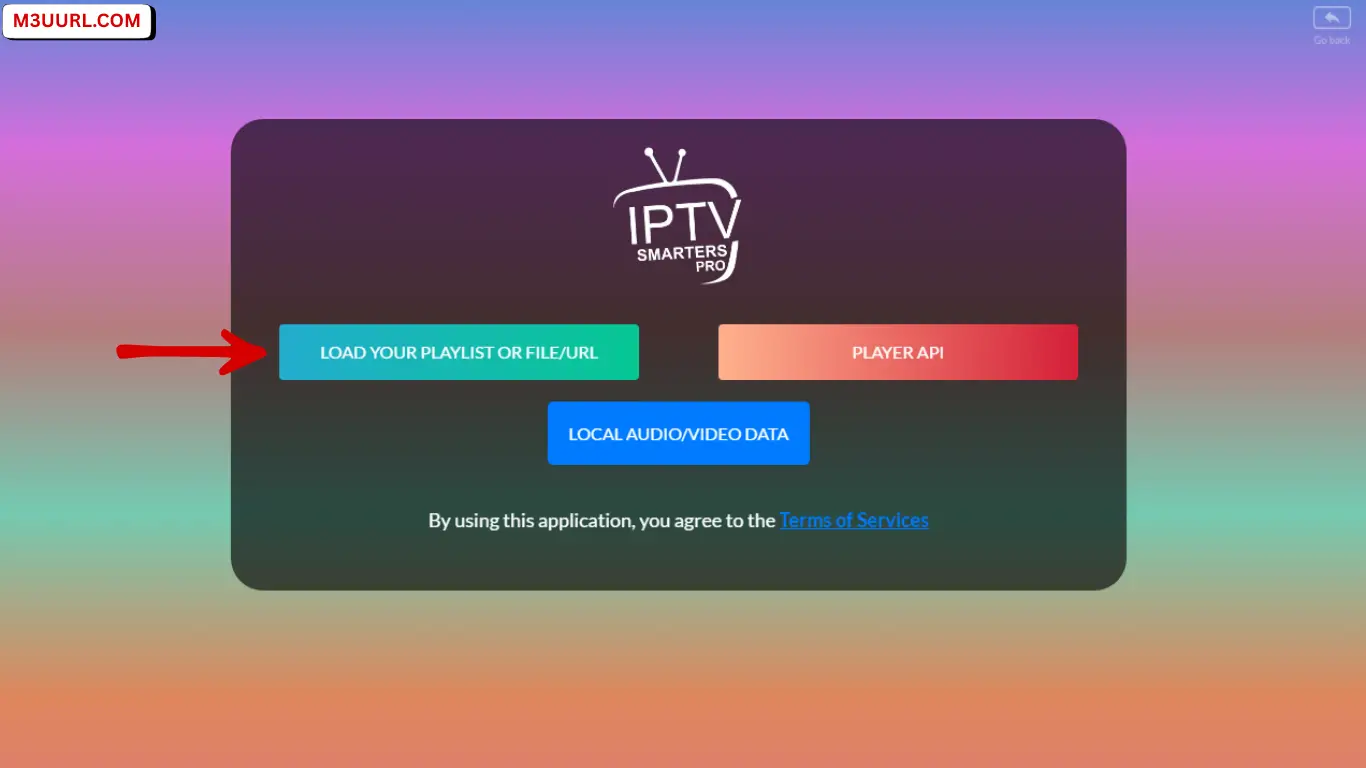
1. Click on “Load Your Playlist or File/URL”.

Click on “Load Your Playlist or FileURL”

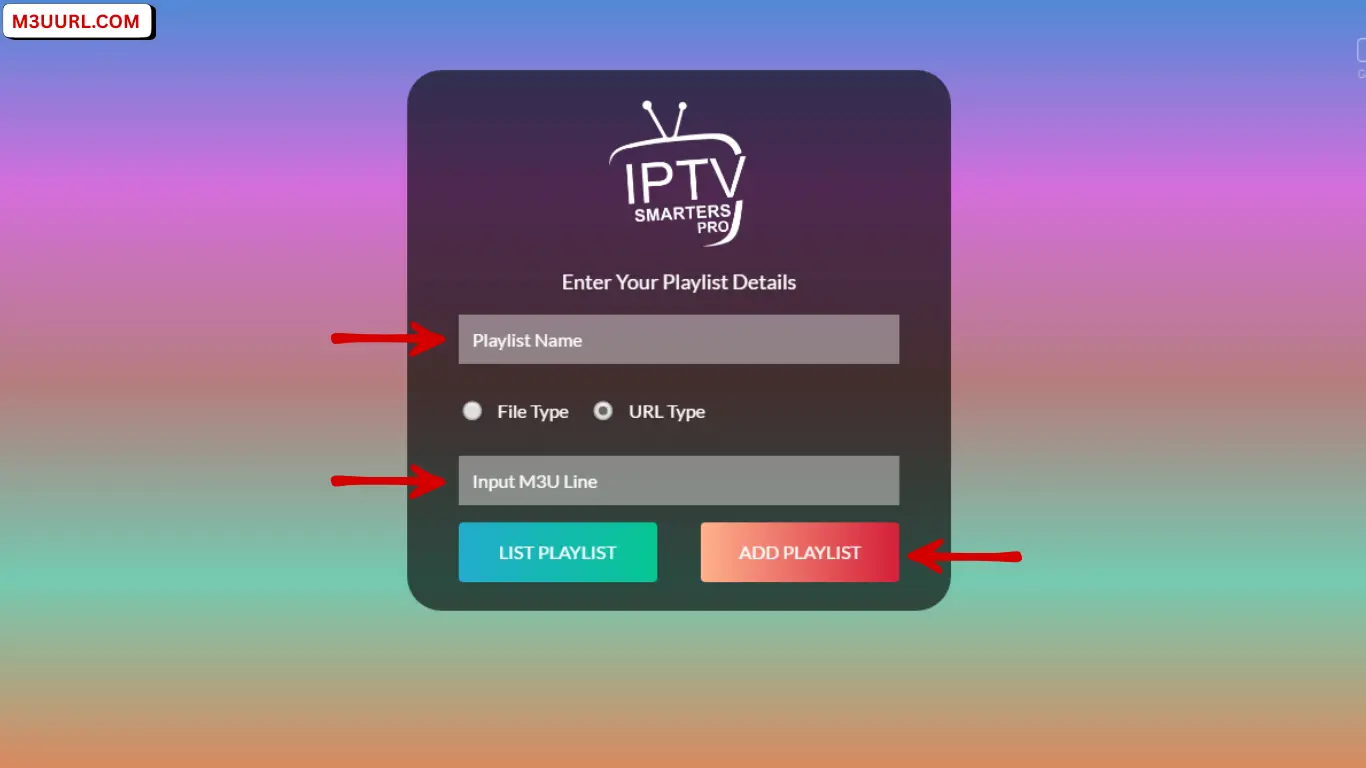
2. Enter the Playlist Name, paste the M3U URL, then click Add User.

Enter the Playlist Name, paste the M3U URL, then click Add User

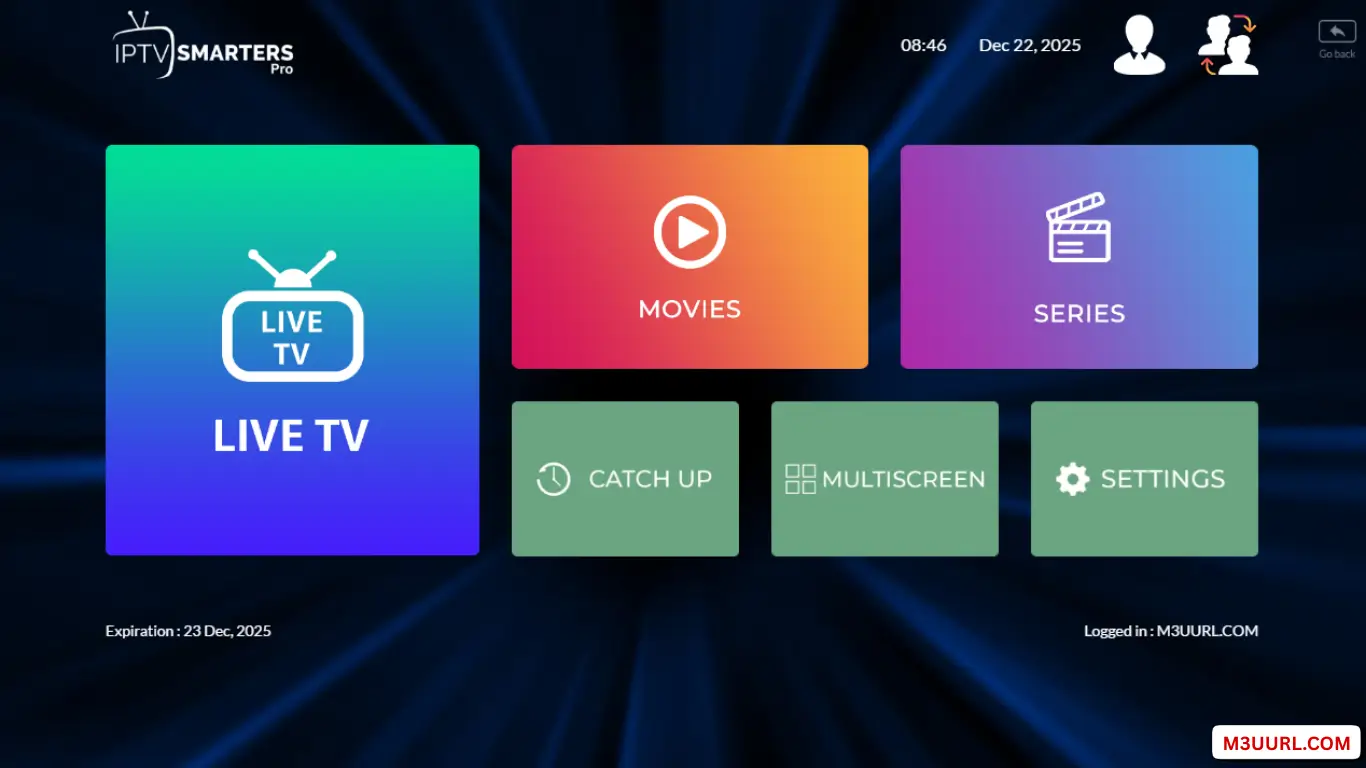
3. Start Watching.

Start Watching

M3U vs Xtream Codes in IPTV Smarters Pro

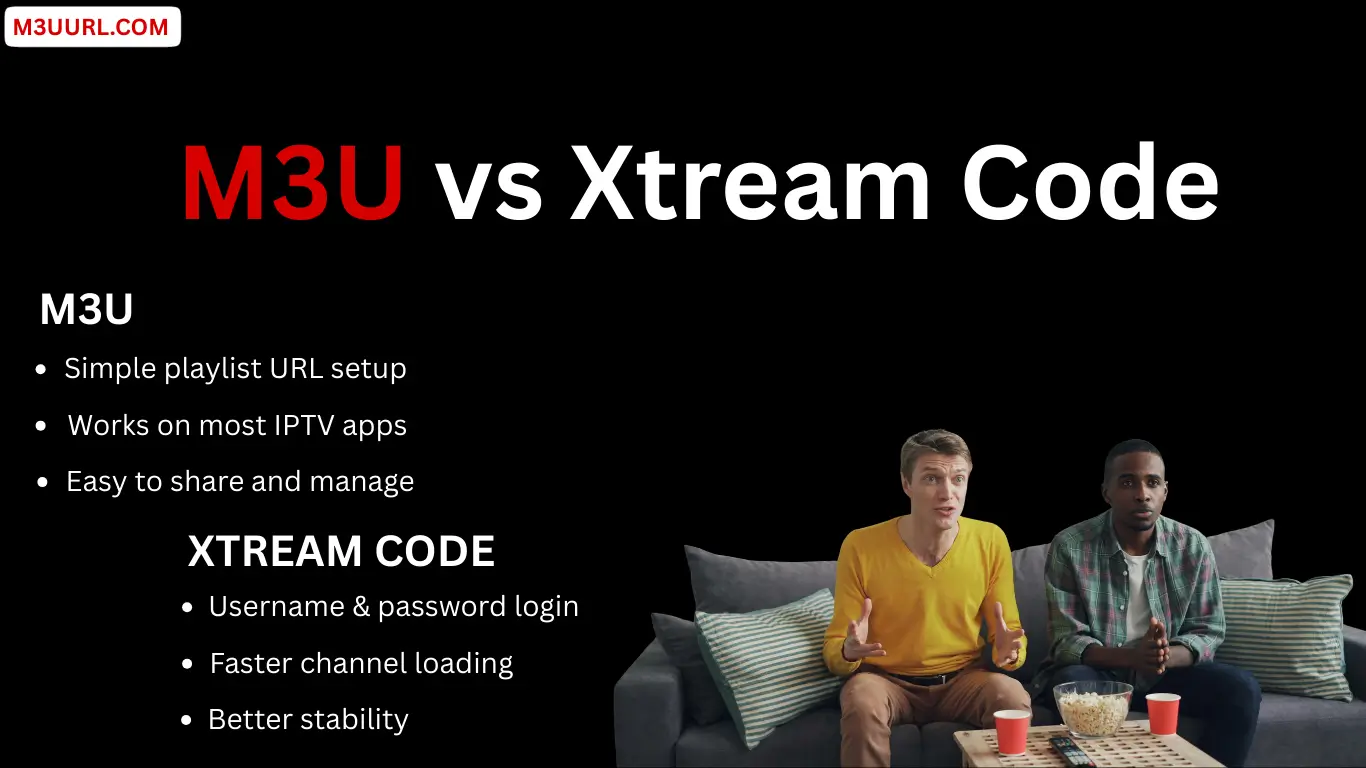
M3U and Xtream code are the two main login methods in IPTV Smarters Pro, each offering a different way to load channels, VOD, and EPG depending on your provider and preference.

M3U Playlist

Xtream Codes

Both Methods in IPTV Smarters Pro

Both M3U and Xtream Codes work perfectly in IPTV Smarters Pro, so you can choose the option that best fits your provider and viewing needs.

M3U vs Xtream Code

Alternative IPTV Smarters Apps

The right IPTV player improves speed, performance, and ease of use for your M3U playlist. Below are the top recommended IPTV players that support both M3U and Xtream Codes across all devices.

1. TiviMate

One of the best IPTV players for Android TV and Firestick, offering a premium layout and fast performance. for more info, visit: Tivimate

2. IBO Player

A powerful Smart TV IPTV player with smooth design and reliable M3U playlist support. for more info, visit: IBO Player

3. XCIPTV Player

A fast and modern IPTV player that works with both M3U and Xtream Codes on Android and Firestick. for more info, visit: XCIPTV

4. Xtream Player

A simple and lightweight IPTV app that loads M3U links quickly and supports multiple devices. for more info, visit: Xtream Player

5. SmartOne IPTV

A great IPTV app for Samsung and LG Smart TVs, offering easy activation and M3U compatibility. for more info, visit: SmartOne

6. VLC Media Player

A universal media player that supports M3U playback on Windows, Mac, Linux, Android, and more. for more info, visit: VLC 

Best IPTV Players for M3U

IPTV Smarters Pro M3U Troubleshooting

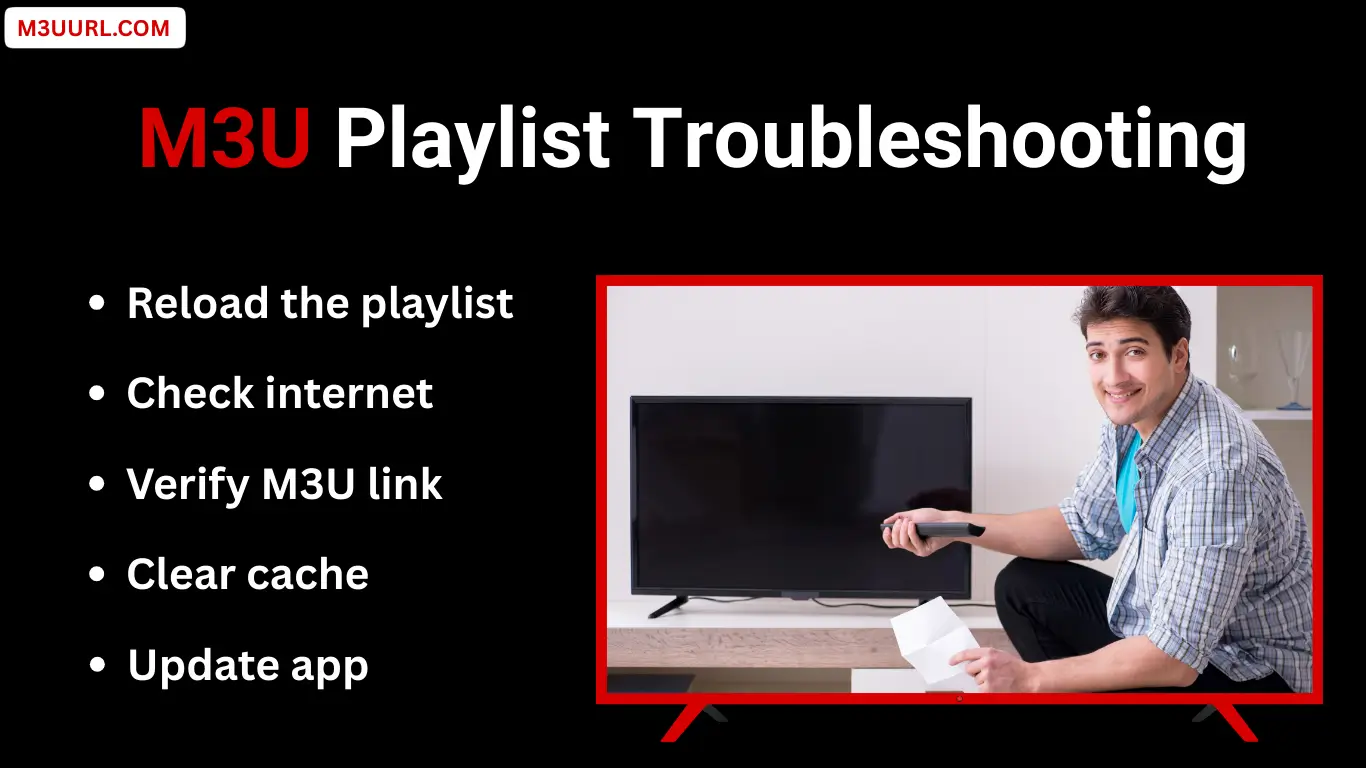
This troubleshooting section focuses specifically on M3U problems in IPTV Smarters Pro and provides simple, effective steps to identify and fix them quickly.

M3U Not Working?

If your M3U playlist does not load in IPTV Smarters Pro, check that the URL has no extra spaces, confirm your subscription is still active, restart both the app and your device, and make sure your internet connection is stable.

Channels Not Showing?

If channels are missing, reload the playlist and EPG from the app settings, update IPTV Smarters Pro to the latest version, or contact your IPTV provider to refresh your M3U link.

Buffering Issues?

Buffering in IPTV Smarters Pro is usually caused by slow or unstable internet. Use a reliable connection with at least 10–20 Mbps speed, switch to Ethernet instead of Wi-Fi when possible, and only use a VPN if your IPTV provider recommends it.

M3U Playlist Troubleshooting

Conclusions

Using the best M3U playlist with IPTV Smarters Pro allows you to enjoy smooth live TV, movies, and series across all devices. With a valid M3U from a trusted IPTV provider and correct setup, IPTV Smarters Pro delivers a stable and user-friendly IPTV experience.

FAQs

Frequently Asked Questions

Yes, IPTV Smarters Pro itself is legal because it is only a media player. The legality depends on the IPTV service and content you use with it.

The best M3U comes from a reliable IPTV provider that offers stable servers, updated channels, VOD, and EPG support.

Yes, free M3U trials can be used, but they usually have limited channels and lower stability compared to paid IPTV services.

Both methods work perfectly. M3U is easier to set up, while Xtream Codes may offer faster loading and improved stability for some users.

This can happen due to an expired subscription, an incorrect URL, internet issues, or the playlist being disabled by the provider.

A VPN is not always required. Use one only if your ISP blocks IPTV traffic or if your IPTV provider recommends it.

Share the Post:

Related Posts

Get Free M3U for Xtream Player – Full Setup Guide

Get a free M3U for Xtream Player with a complete setup guide, including easy steps, EPG support, and tips for smooth IPTV streaming...
Get Free M3U for SmartOne App – Complete Setup

Get a free M3U for the SmartOne app and learn how to add and activate it step by step. Watch live TV, movies, and series smoothly on SmartOne Player...
Get & Activate Free M3U in XCIPTV App (Step-by-Step Guide)

Learn how to get and activate a free M3U playlist in the XCIPTV app. Follow this simple step-by-step guide to stream live TV, movies, and series easily...
Get Free M3U Playlist for IBO Player (Full Guide)

Get a free M3U playlist for IBO Player. Learn how to activate M3U, fix common issues, and enjoy smooth IPTV streaming with this full guide...
Get Free M3U Playlist for IPTV Smarters Pro (Instant Delivery)

Get a free M3U for IPTV Smarters Pro and learn how to activate it easily. Step-by-step guide to watch live TV, movies, and series on any device...
Get & Add Free M3U Playlist on TiviMate (December 2025)

Learn how to get Free M3U playlist and add it to TiviMate step by step. Easy setup, tips, troubleshooting, and best IPTV practices...
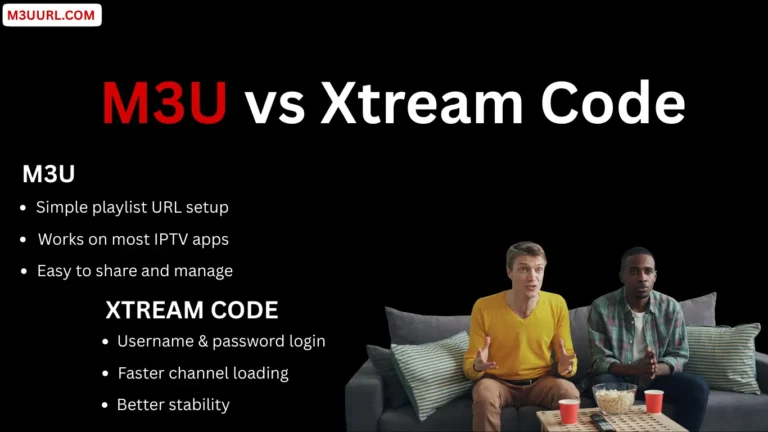
Get Free IPTV Xtream Code & M3U – Best IPTV 2025

Get free Xtream Code and M3U playlist instantly from trusted IPTV providers. Enjoy 24–36 hour free trials and test IPTV quality before subscribing in 2025...

What Is M3U – Get Free Trial – Best IPTV 2025

Learn what is M3U, how M3U playlists work, and how they are used to stream live TV, movies, and series on IPTV apps and devices...

How to Get a Free IPTV M3U Playlist – Best IPTV 2025

Learn how to get a free M3U playlist for IPTV and stream live TV, movies, and series on any device instantly...